Payments aren't showing correctly
Fix Stripe or QuickBooks data that looks out of date.
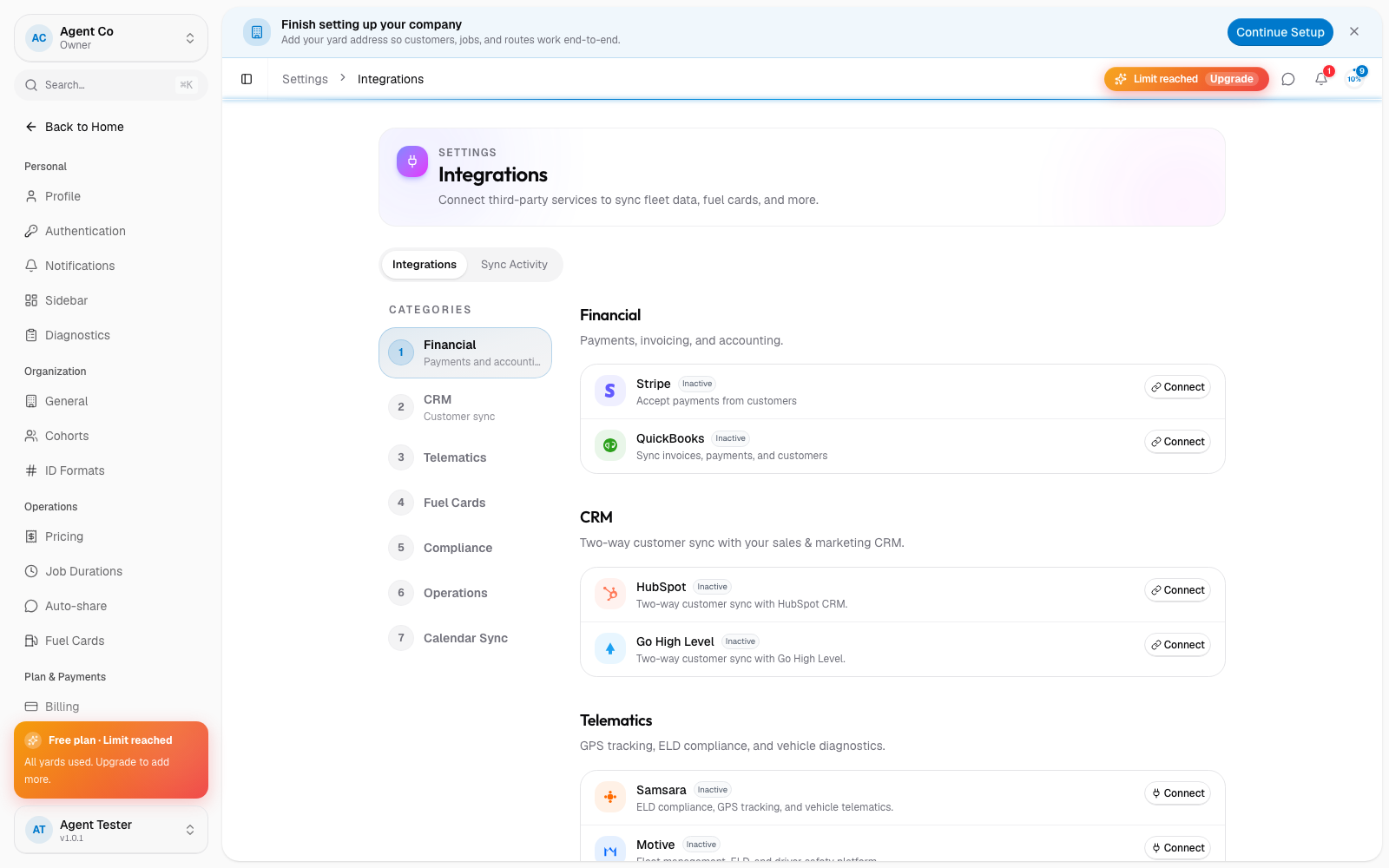
Go to Settings → Integrations and confirm Stripe or QuickBooks still shows as connected. A disconnected integration stops syncing new data.
If you just changed your plan or completed a checkout, give it a moment. DropHaul syncs your subscription right after checkout completes.
Open the integration's activity log from its card in Integrations to see recent sync attempts and any errors.
If it's still wrong, disconnect and reconnect the integration.
What you'll see
Once the integration is connected and synced, its activity log shows a successful run and your DropHaul data matches Stripe or QuickBooks.
If something's not right
- Billing shows the old plan after upgrading: go to Billing and your plan and refresh the page. If it's still wrong after a few minutes, see Contact support.
- QuickBooks totals don't match DropHaul: check the integration's activity log for failed syncs before reconnecting.
- I can't reconnect an integration: you need to be an Owner or Admin.