I can't sign in
Fix magic link, phone code, and two-factor sign-in problems.
DropHaul supports signing in with a password, a magic link sent by email, a code sent by text, or Google or Apple. Which one to fix depends on which method you use.
Magic link never arrives
Check your spam or junk folder for an email from DropHaul.
Confirm you typed the same email address your account uses. If you're not sure, ask an Owner or Admin to check Team → Members.
Request a new link. Each link expires after a short time, so a link from an older attempt won't work.
Phone code never arrives
Confirm your phone can receive SMS and isn't blocking short codes.
Request a new code. Codes expire, so an old one will be rejected.
Two-factor code is rejected
Check your device's clock is set to the correct time. Authenticator codes are time-based and drift if your clock is off.
If you've lost access to your authenticator app entirely, contact support to regain access to your account.
What you'll see
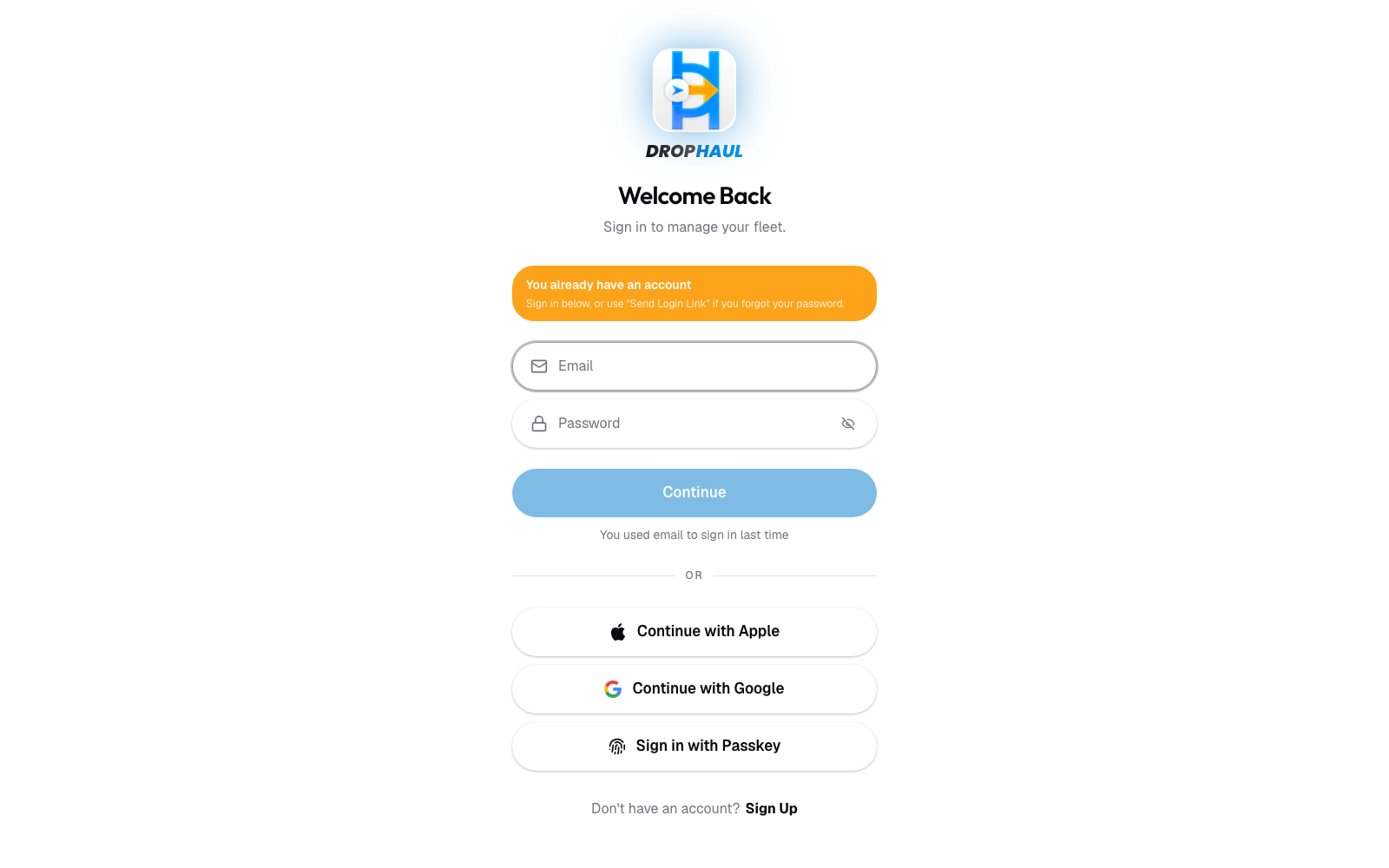
An expired magic link, SMS code, or two-factor code shows an error when you try to use it. Request a new one and try again.
If something's not right
- I'm sure my email or phone is correct and still nothing arrives: see Contact support.
- I want to avoid this in the future: add a passkey from Sign-in and security to sign in without a password or code.