See your plan and change billing
Check your usage, compare plans, and upgrade or downgrade.
Before you start
You need to be an Owner to change your plan or payment method. Admins can view billing but can't make changes.
Go to Settings → Billing in the sidebar.
Review Current plan for your plan name, renewal date, and subscription status.
Select Available plans to compare plans, or Compare plans for the full feature breakdown.
Choose a plan and follow the checkout steps to confirm the change.
What you'll see
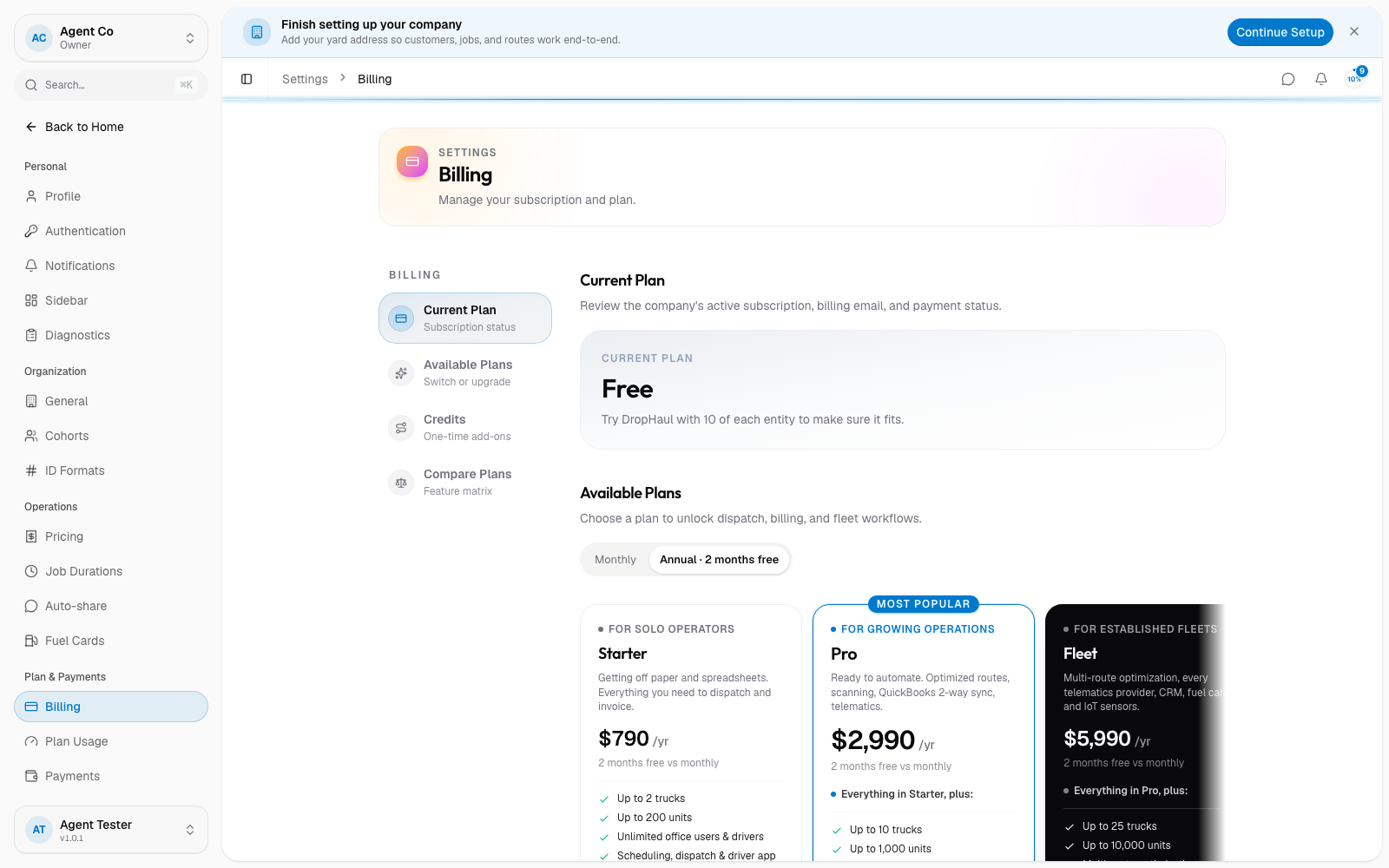
DropHaul has five plans:
| Plan | Monthly price | Trucks | Units | Teams |
|---|---|---|---|---|
| Free | $0 | 1 | 10 | 1 team, 5 members |
| Starter | $79 | 2 | 200 | 2 teams, 10 members each |
| Pro | $299 | 10 | 1,000 | 3 teams, 25 members each |
| Fleet | $599 | 25 | 10,000 | 20 teams, 100 members each |
| Enterprise | Custom | Custom | Custom | 20 teams, custom members each |
Annual billing is available at 10 months' price for 12 months on Starter, Pro, and Fleet. Enterprise pricing is quoted directly: see Contact support to talk to sales.
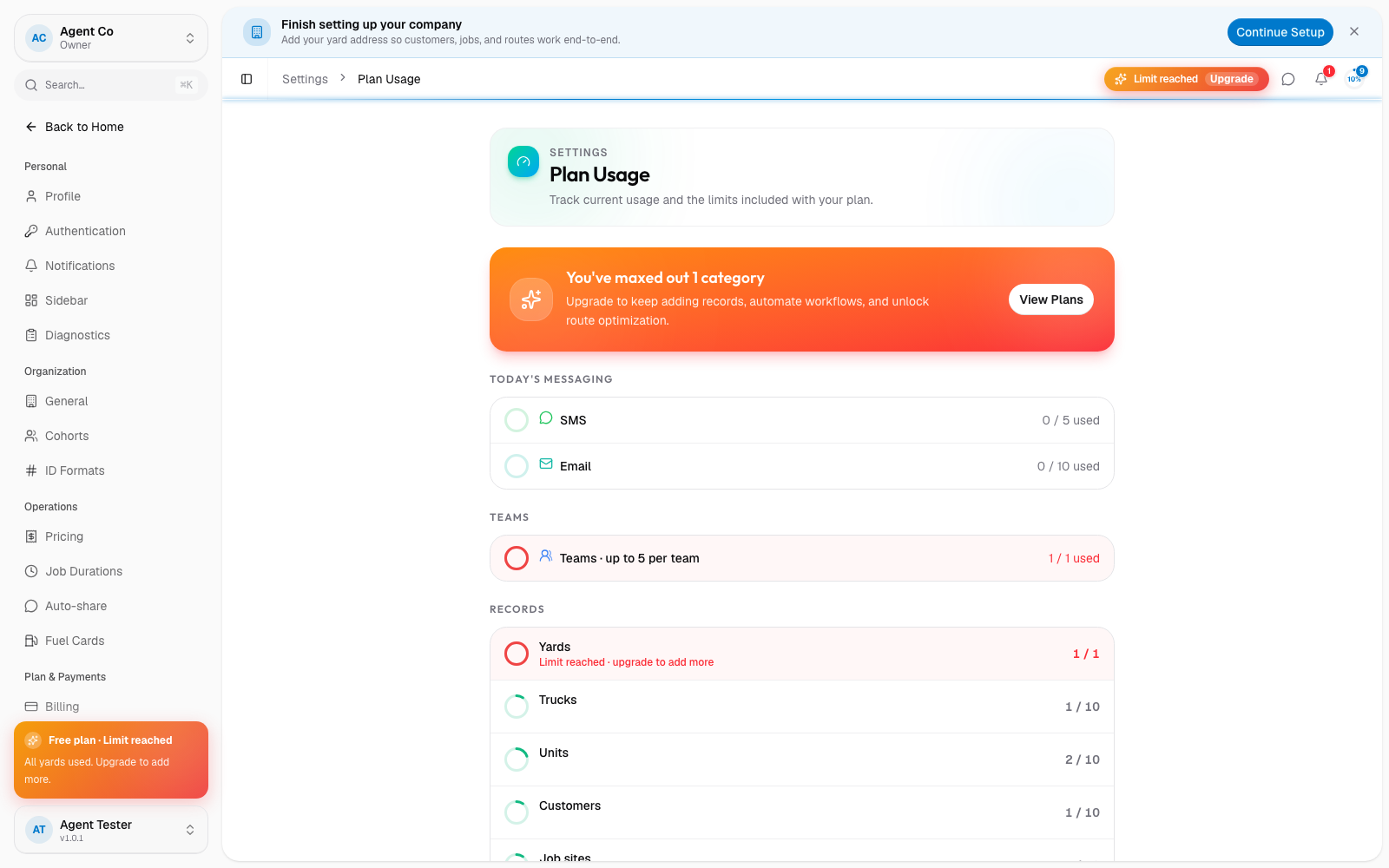
Check your current usage against your plan's limits any time from Settings → Plan Usage. It shows trucks, units, teams, and route optimization credits used so far.
If something's not right
- I don't see Billing in Settings: only Owners and Admins can view billing. Everyone else is redirected to General settings.
- I upgraded but still see old limits: this can take a moment to sync after checkout. See Payments not showing correctly.
- I can't change plans: only an Owner can change plans or payment methods. Ask an Owner on your team.