Update your company settings
Change your company name, logo, timezone, and yard address.
Before you start
You need to be an Owner or Admin to change company settings.
Go to Settings → General in the sidebar.
Under Logo, tap the image to upload a new one (JPEG, PNG, or WebP, up to 5 MB). This logo shows on invoices, the customer portal, and the mobile app.
Under Company, select Name, Timezone, or Yard address to edit it. Each field saves as soon as you confirm the change.
What you'll see
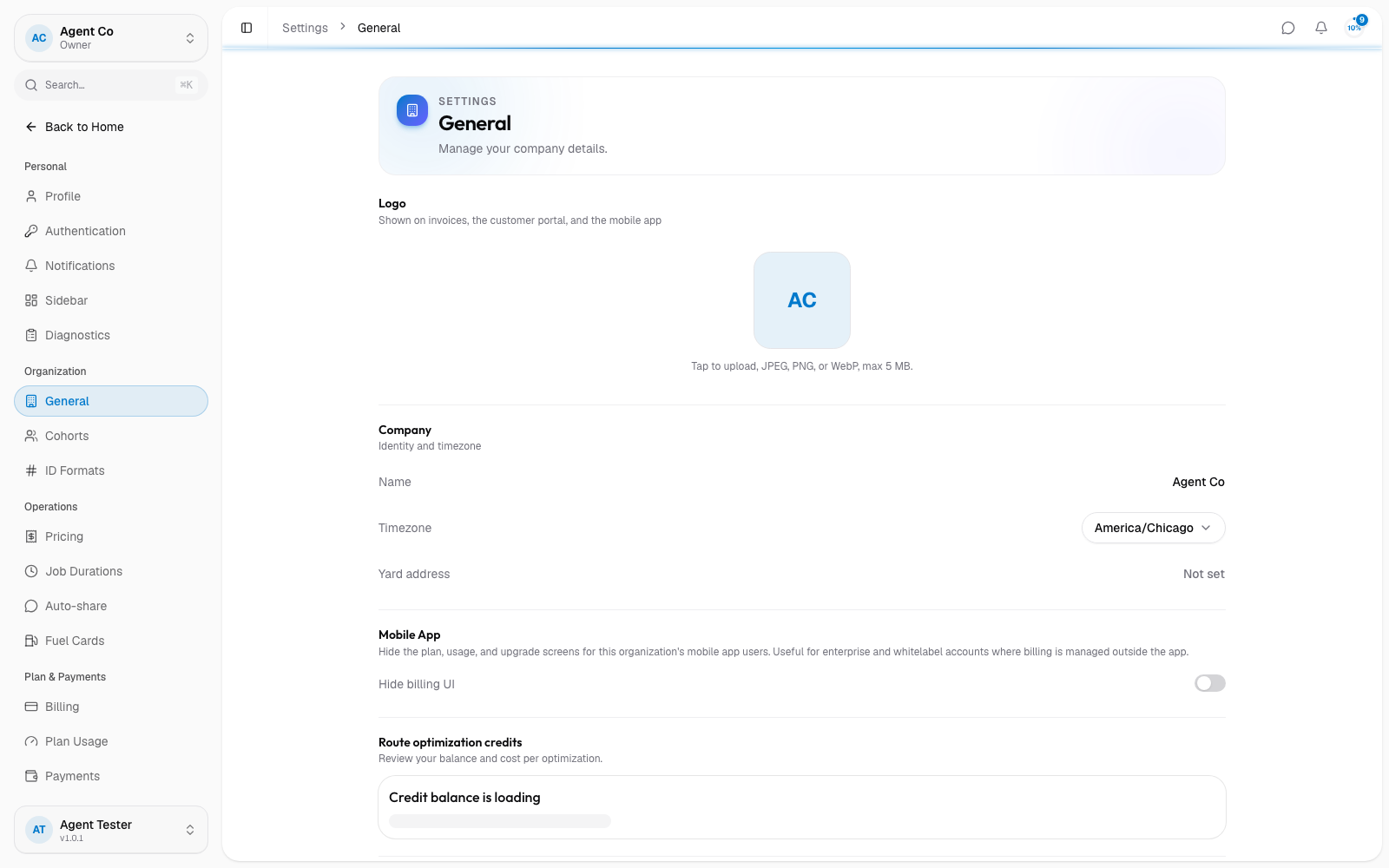
Your timezone controls how DropHaul schedules jobs and formats reports. Changing it doesn't move existing jobs. It only changes how times display going forward.
If you run an enterprise or whitelabel account and manage billing outside DropHaul, an Owner can turn on Hide billing UI here to hide the plan, usage, and upgrade screens from your mobile app users.
If something's not right
- My change didn't save: check your connection. Changes need a live connection to DropHaul's servers to go through.