Create an API token
Create and revoke scoped credentials for MCP clients and scripts.
Before you start
You need to be an Owner or Admin. Most people connecting an AI app like Claude or ChatGPT don't need this. That flow signs in and connects without a token. Use a token when a script or a headless client needs its own credential.
Go to Settings → API Tokens in the sidebar.
Select Create token.
Name the token, choose an Expiration, and pick its scopes: what it's allowed to read or change. Owners can also open Advanced to let the token skip the confirmation step other changes require, but only when it has an expiration date.
Select Create token, then copy the value shown. DropHaul only shows it once.
Store the token value somewhere safe right away. If you lose it, you'll need to revoke it and create a new one. DropHaul can't show it to you again.
What you'll see
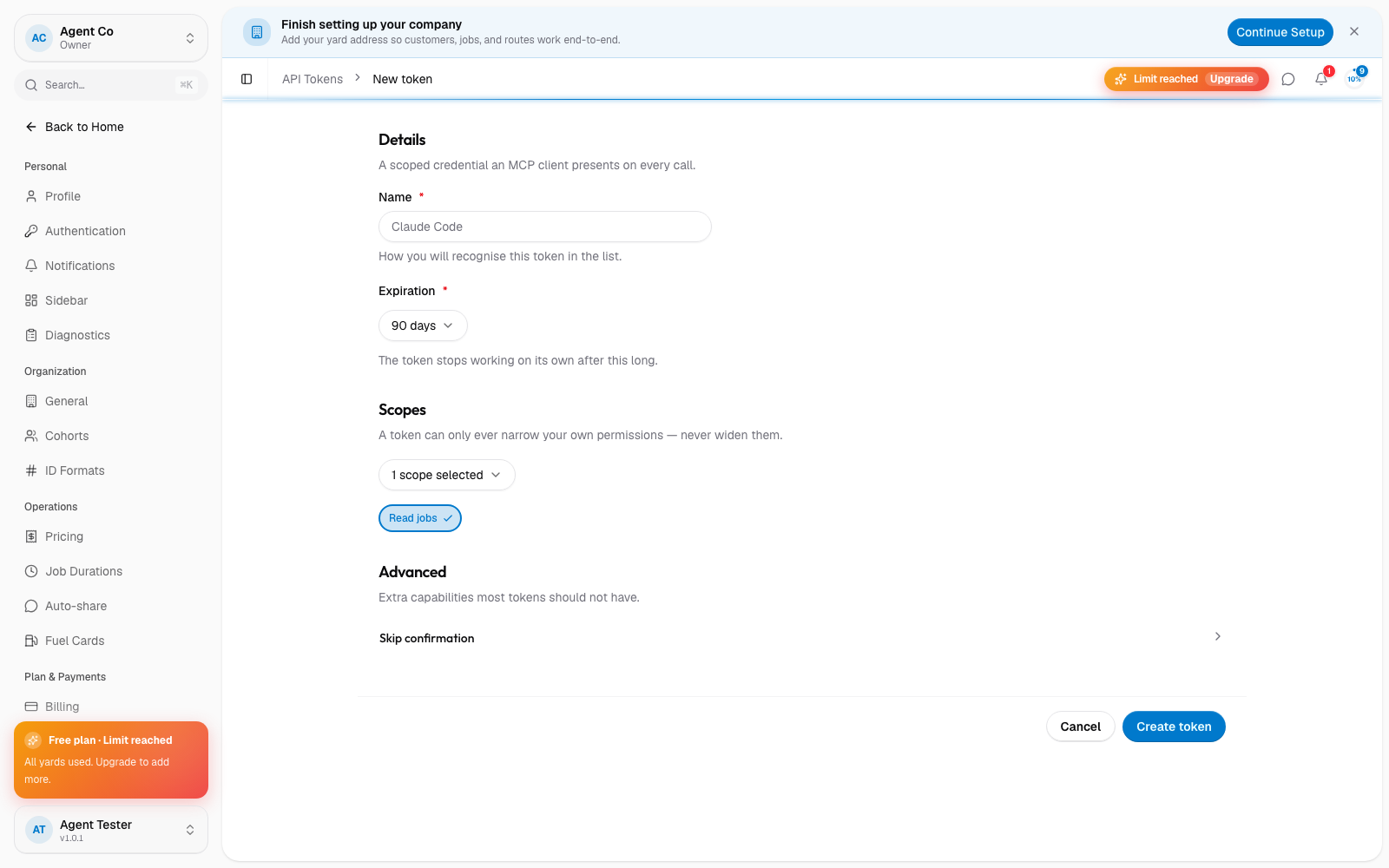
Your token appears in the list with its name and scopes. Revoke a token any time from its row's menu. This takes effect immediately.
If something's not right
- I don't see API Tokens in Settings: you need Owner or Admin access.
- A client using my token stopped working: check that the token wasn't revoked, and that its scopes still cover what the client needs.