Create and manage teams
Group members into teams to address messages and scope assignments.
Before you start
You need to be an Owner or Admin. How many teams you can create depends on your plan.
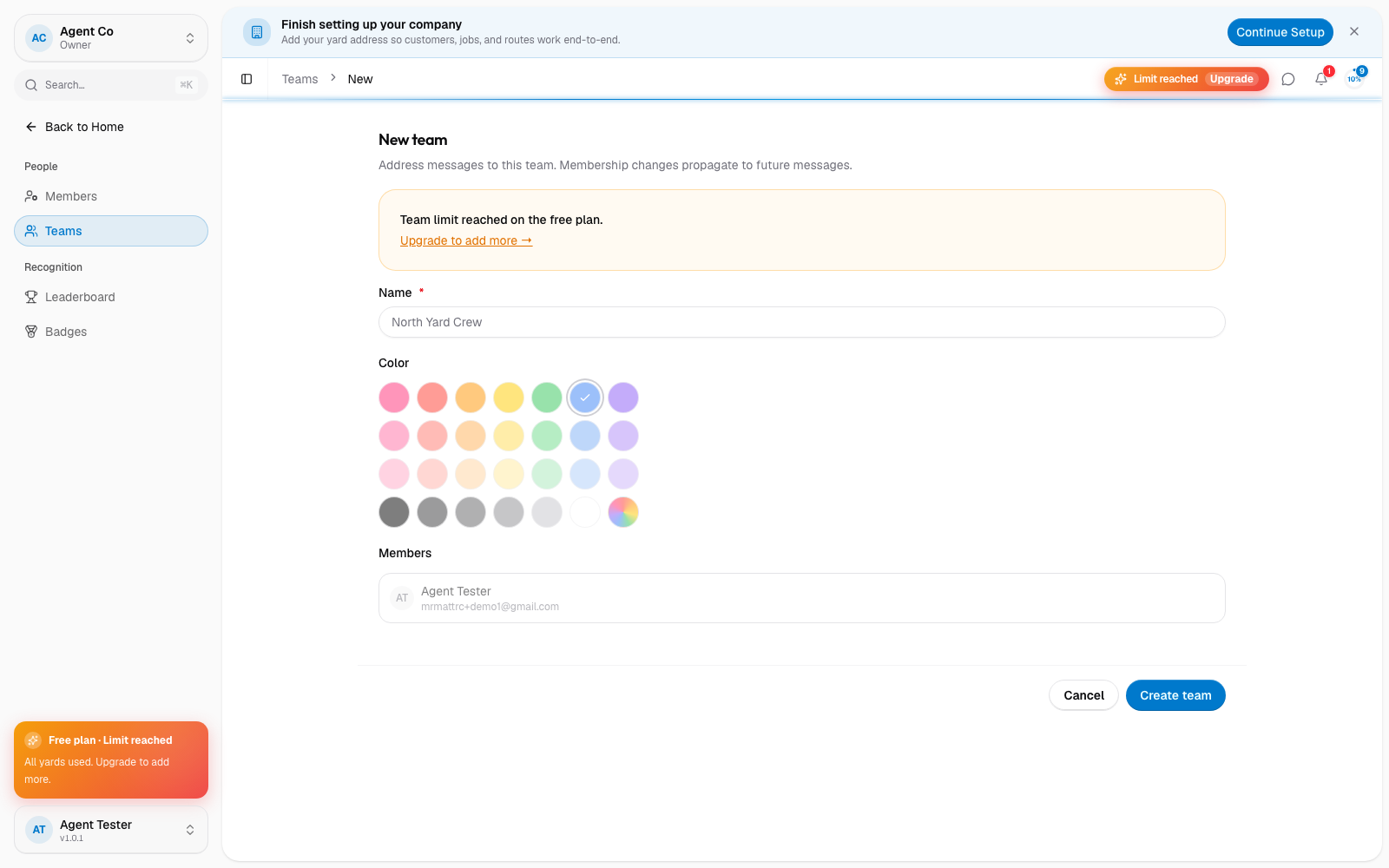
Go to Team → Teams in the sidebar, then select New team.
Enter a name and pick a color.
Add the members who belong to this team.
Select Create team.
What you'll see
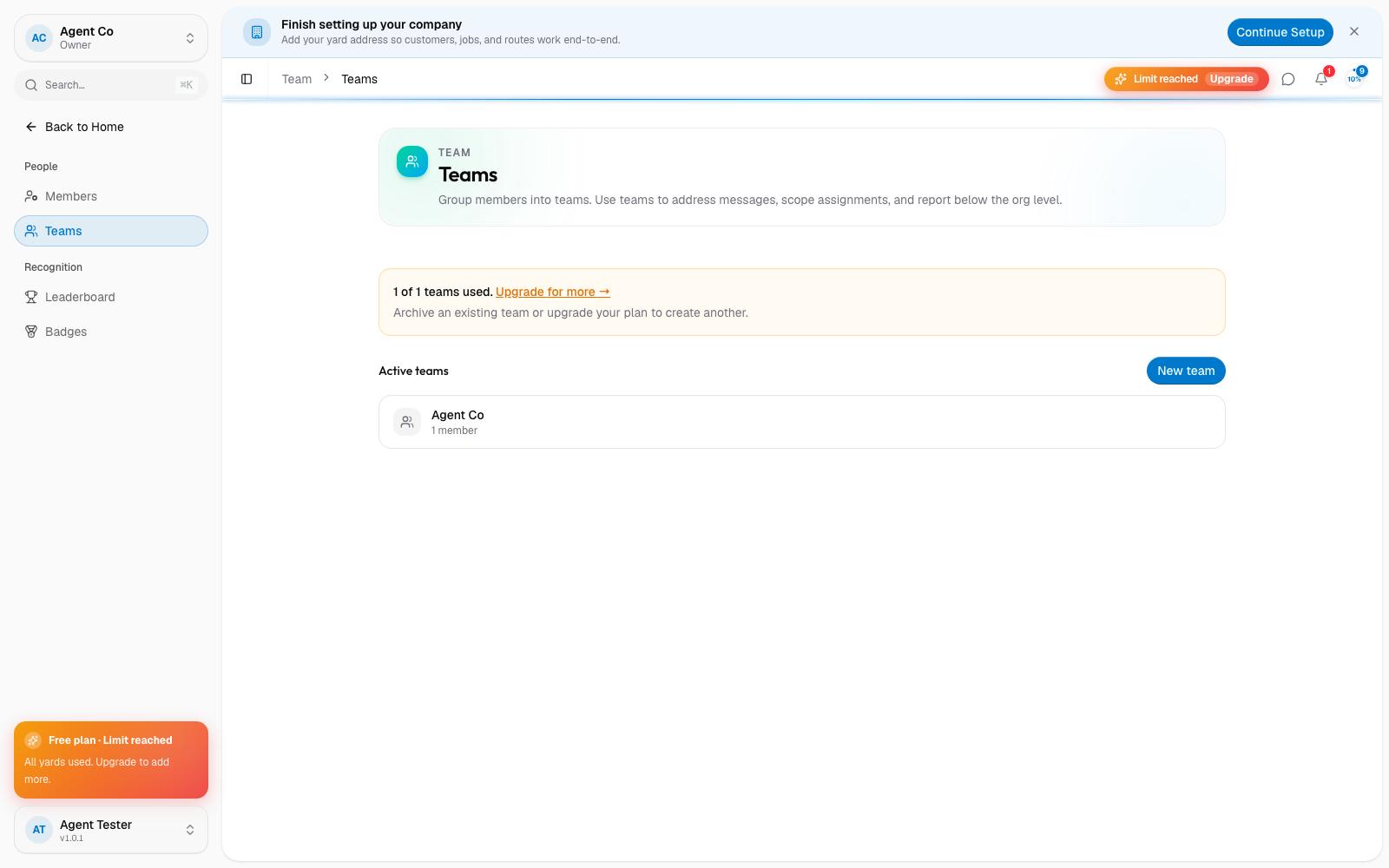
The new team appears in your active teams list with its member count. Use teams to address messages to a group, scope assignments, and report on activity below the whole-org level.
Each plan includes a limited number of teams and members per team: Free (1 team, 5 members), Starter (2 teams, 10 members each), Pro (3 teams, 25 members each), and Fleet (20 teams, 100 members each). When you're at the limit, New team is disabled until you archive a team or upgrade your plan.
If something's not right
- New team is disabled: you're at your plan's team limit. Archive an unused team or see Billing and your plan.
- A teammate isn't in the member list: only people already invited to your org can be added to a team. Invite them first from Invite a teammate.