Work with no signal
What you can still do in the driver app when you're offline, and what has to wait.
DropHaul queues most field work automatically when you lose signal, then syncs it once you're back online. You don't need to do anything special to turn this on.
What you'll see
An Offline pill appears when you lose connection, and the tab bar shows a row like "Offline · 3 pending". Once you reconnect, it changes to "Syncing · 3 changes" while your queued work uploads, or "Sync failed · N failed" if something didn't go through. Reconnecting and syncing happens automatically, you don't need to tap anything.
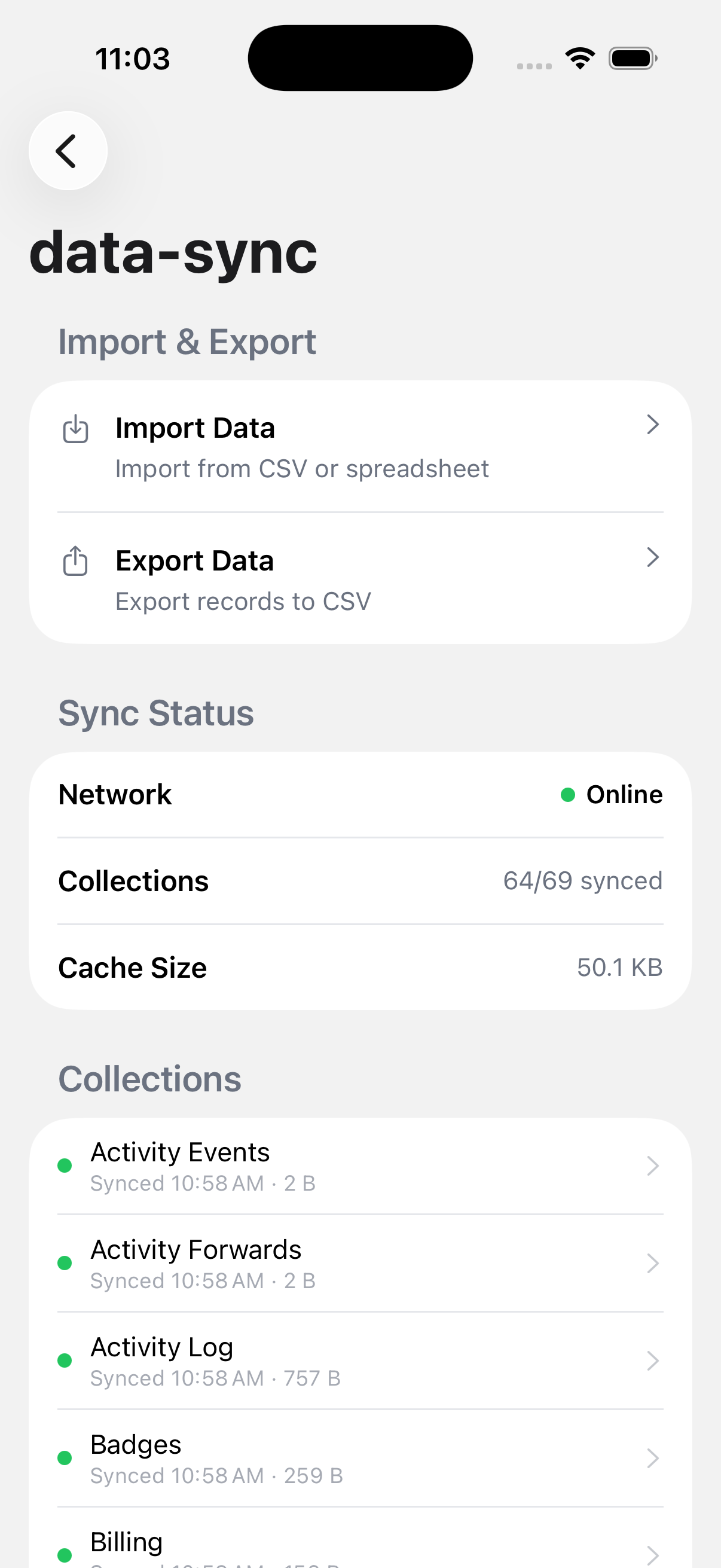
Settings → Data & Sync shows an Online/Offline dot along with counts of pending and failed writes, if you want to check status directly.
These actions queue and sync automatically when you're offline:
- Marking arrival at a stop
- Capturing job photos
- Capturing a signature
- Reporting an issue
- Truck inspections
- Fuel entries (new and edits)
- Service records with photos
These need a connection:
- Completing a stop. See Complete a stop.
- QuickBooks and Stripe actions
- Sync All Data, which refreshes data you're viewing rather than uploading queued work. It's disabled offline with a "Go online to sync" message.
If something's not right
- Sync failed · N failed: reconnect and DropHaul retries automatically. If it keeps failing, check Settings → Data & Sync for details.
- A stop won't complete: that action always needs a connection. Everything else at that stop still works offline.