Earn badges and level up your rank
How XP, ranks, badges, and the leaderboard work in the driver app.
Open the Ranks tab.
Use the period control at the top to switch between time ranges.
Open the menu and tap Badges to see everything you've earned, or Learn More for how ranking works.
What you'll see
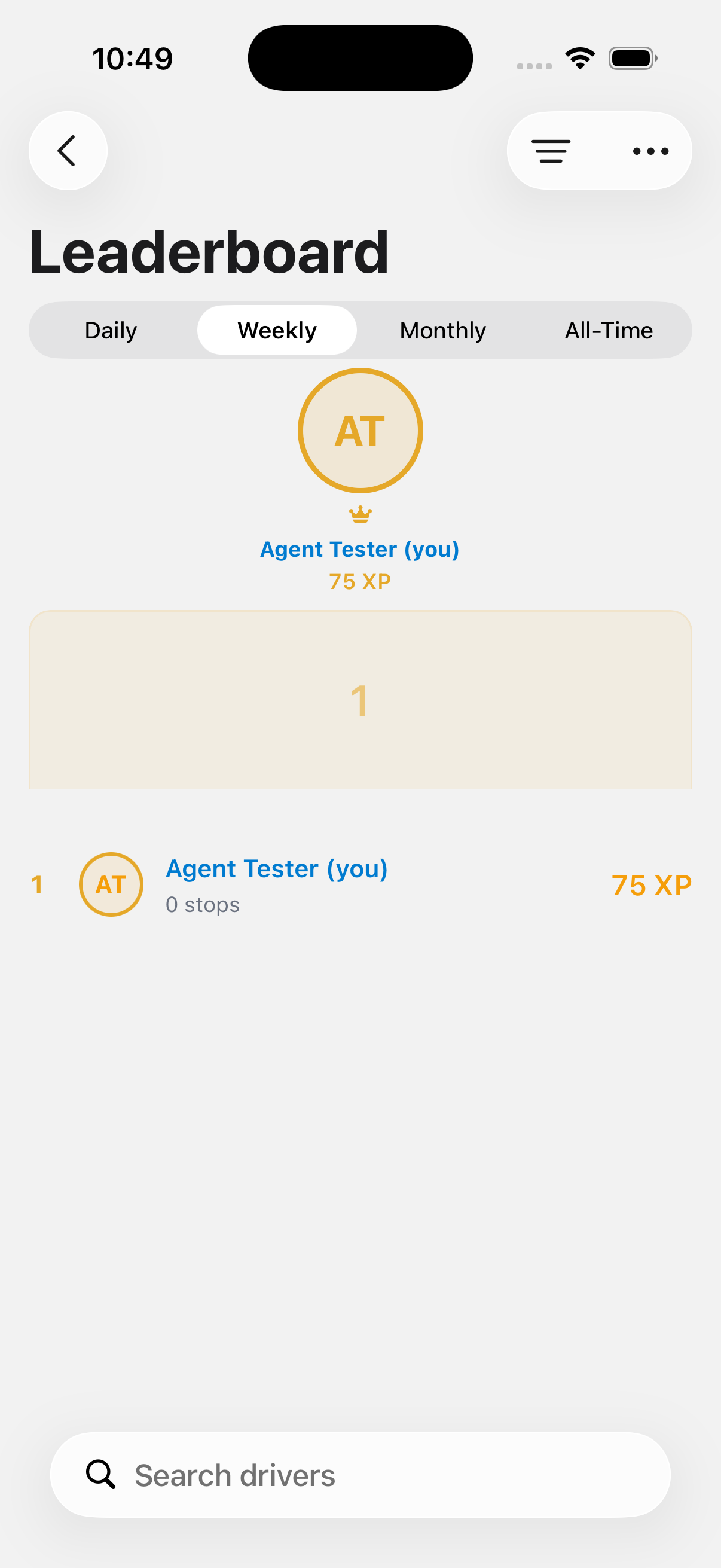
The leaderboard shows a podium for the top 3 and a list of everyone else with their XP for the period. Most orgs award 25 XP for every stop you complete, plus bonus XP for photos, zero-issue jobs, and streaks. Some orgs award XP per unit instead, at a different rate. Check with your dispatcher if you're not sure which mode your org uses.
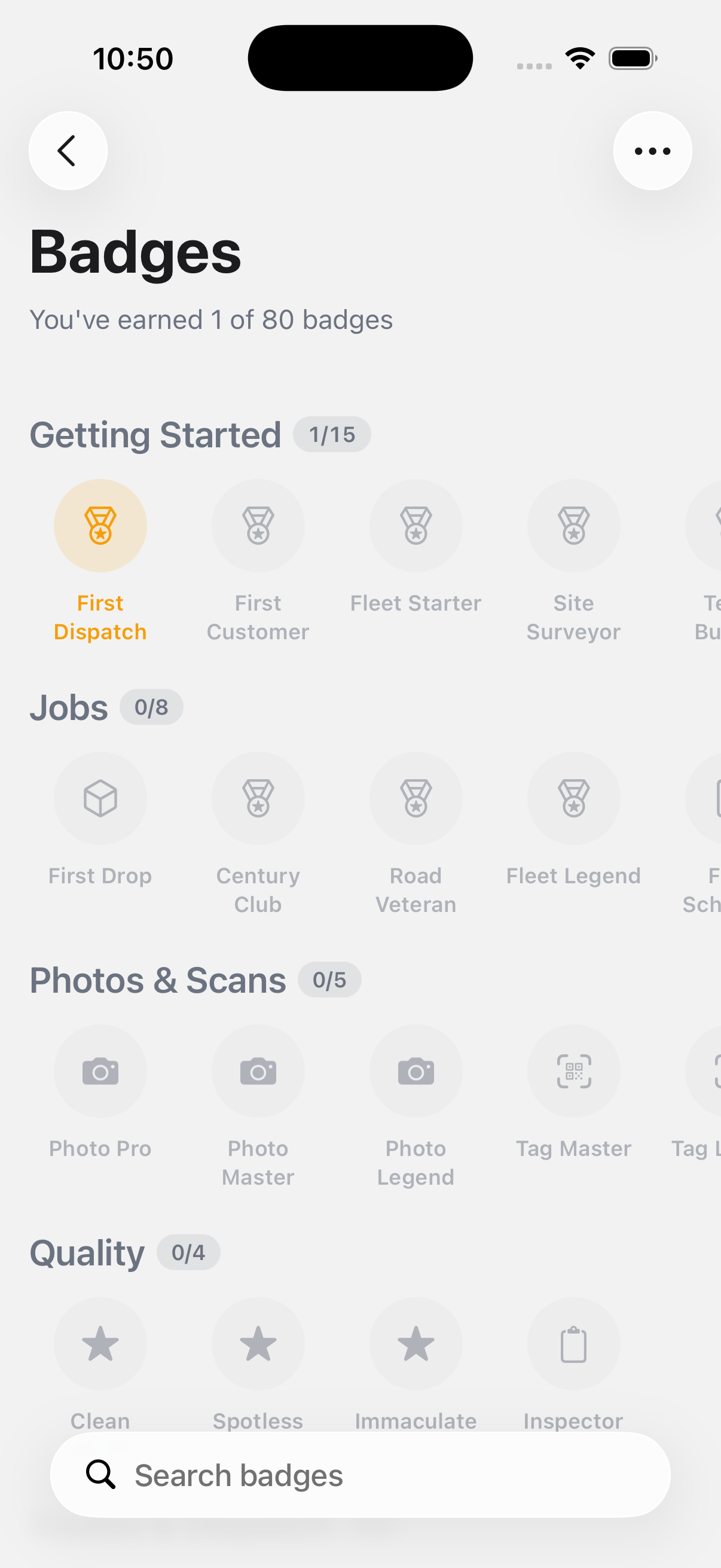
The Badges screen shows how many of the total badges you've earned. You can search for a specific badge, sort by definition order, earned first, or name, and switch between a grid or grouped layout. Tap any badge to see what it's for.
Ranks go from Rookie up to Legend as you earn more XP. Keep completing stops and hitting daily challenges to move up.
If something's not right
- My XP doesn't match what I expect: XP only counts for stops completed while online. See Work offline.
- A badge I earned isn't showing: badges sync with the rest of your data. Give it a minute, then check Work offline if you're on a weak connection.