Record a service
How completing a stop creates a service record for a unit.
Service records are proof of the work you did at a site. You don't fill out a separate form, DropHaul creates the record automatically when you complete a stop.
Complete the stop as usual. See Complete a stop.
Open the Services tab to see the record DropHaul created.
The Services tab is available to dispatchers and technicians, not to drivers. Drivers can still see a record's details by opening the job it belongs to.
What you'll see
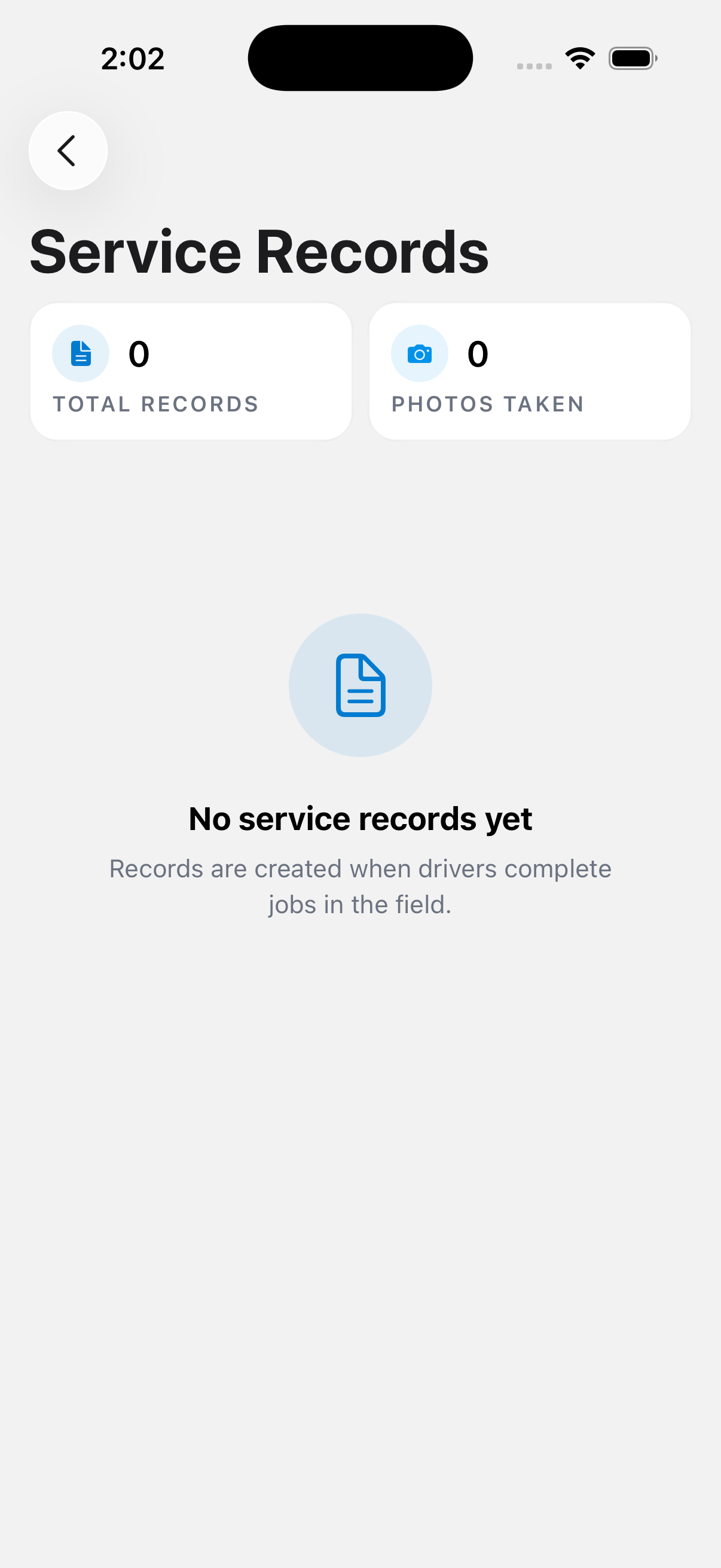
Each record captures when the stop was completed, the location, waste level (low, medium, high, or overflow), any photos you took, and whether an issue was reported. The list shows stats for Total Records and Photos Taken, and each card shows the driver, time, waste level badge, photo count, and a preview of any issue. Tap a record to open the job it belongs to.
If you haven't completed any stops yet, the list tells you records are created when drivers complete jobs in the field.
If something's not right
- A record is missing: check that the stop was actually completed and synced. See Work offline.
- Wrong waste level on a record: this comes from what was selected while completing the stop. Ask your dispatcher to check the job if it needs a correction.