Clock in and out
Track your work time from the driver app home screen.
From the home screen, tap Time Clock in Quick Actions.
Clock in at the start of your shift and clock out at the end.
What you'll see
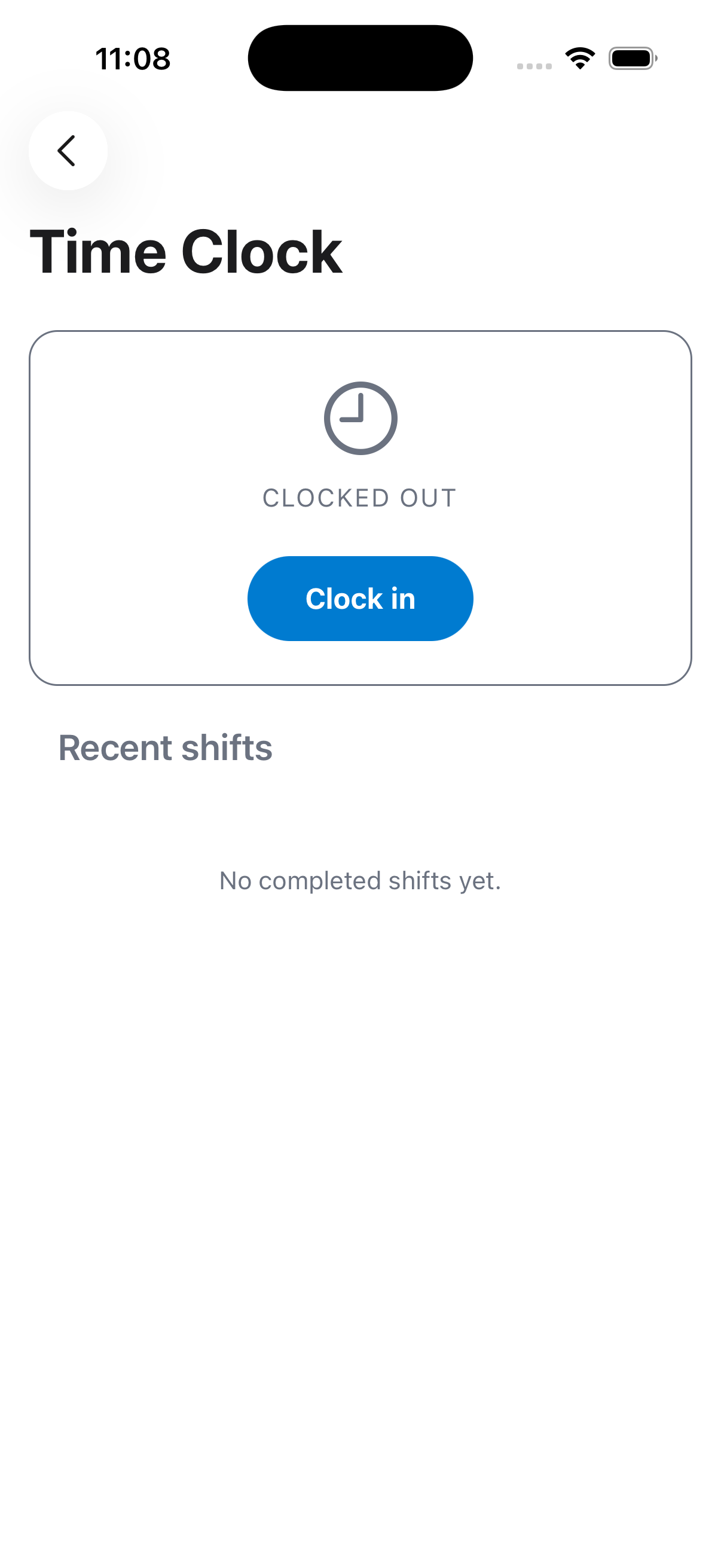
Time Clock is a Quick Action on the home screen, so it's always one tap away during your shift.
If you're not sure whether your time is being tracked correctly, check with your dispatcher or owner, time entries feed into payroll and reporting on their side.
If something's not right
- I forgot to clock out: tell your dispatcher or owner so they can correct the entry.
- Time Clock isn't showing up: make sure you're on the latest version of the app.