Log fuel, mileage, and expenses
Use the home screen quick actions to log fuel fill-ups, miles driven, and out-of-pocket costs.
From the home screen, tap Log Fuel, Log Miles, or Log Expense in Quick Actions.
Fill in the details for the entry, for example gallons and cost for fuel, or the amount and a note for an expense.
Save the entry.
What you'll see
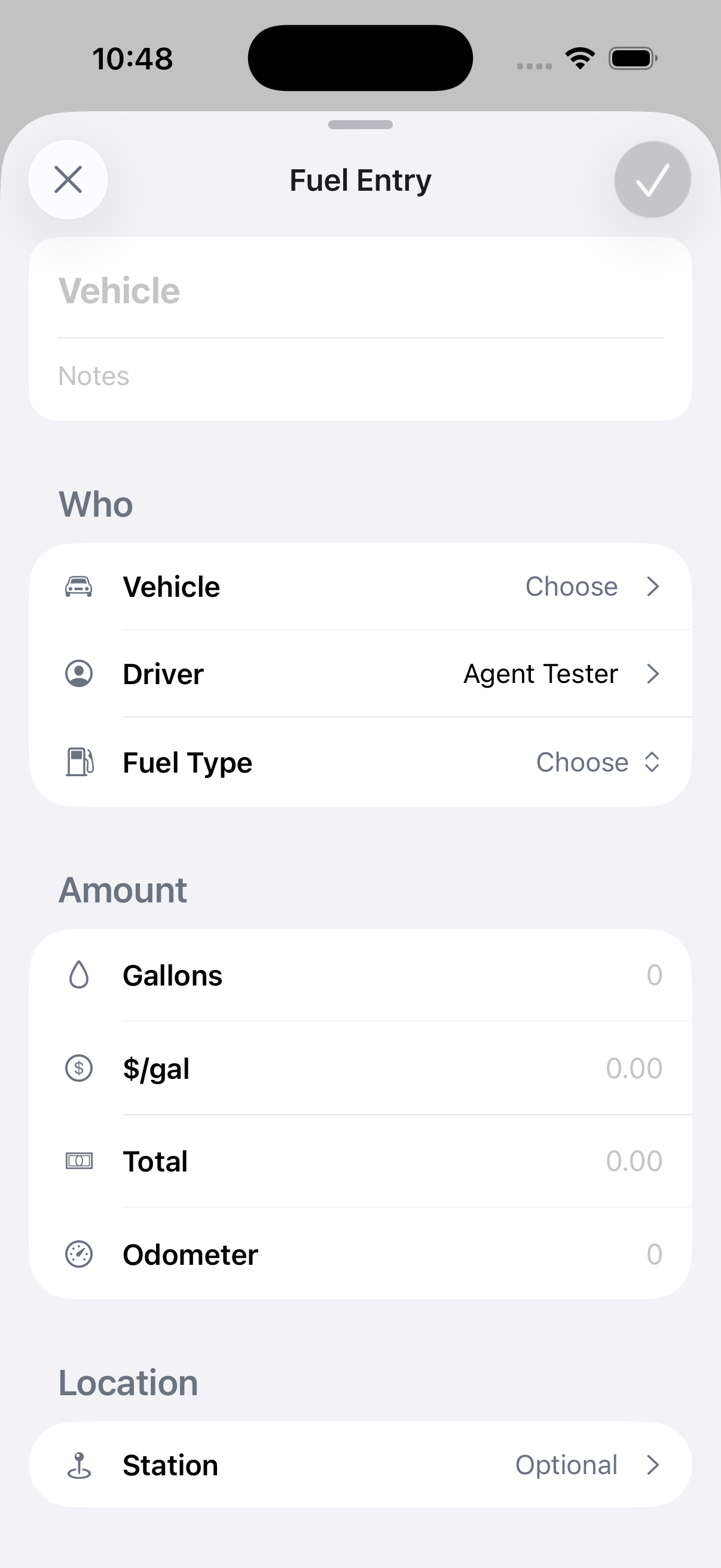
Each entry is tied to you and saves right away, whether or not you have a connection. Fuel entries you log offline queue up and sync automatically once you're back online, along with any edits you make to them. If you attach a receipt photo, the photo itself needs a connection to upload, even though the entry saves offline.
Log Miles opens the "Log Mileage" screen, for recording distance driven outside of automatic tracking.
If something's not right
- An entry didn't save: if you were offline, check Work offline. It queues automatically and syncs when you reconnect.
- Wrong amount on an entry: open it from wherever your company tracks fuel and expenses to correct it, or ask your dispatcher.