Service records
The record DropHaul creates automatically each time a unit is serviced.
A service record is proof that a unit was serviced. Nobody fills out a form for it, DropHaul creates one automatically when a driver completes a stop.
Go to Service Records in the sidebar.
Browse the list, or select a record to open the job it belongs to.
What you'll see
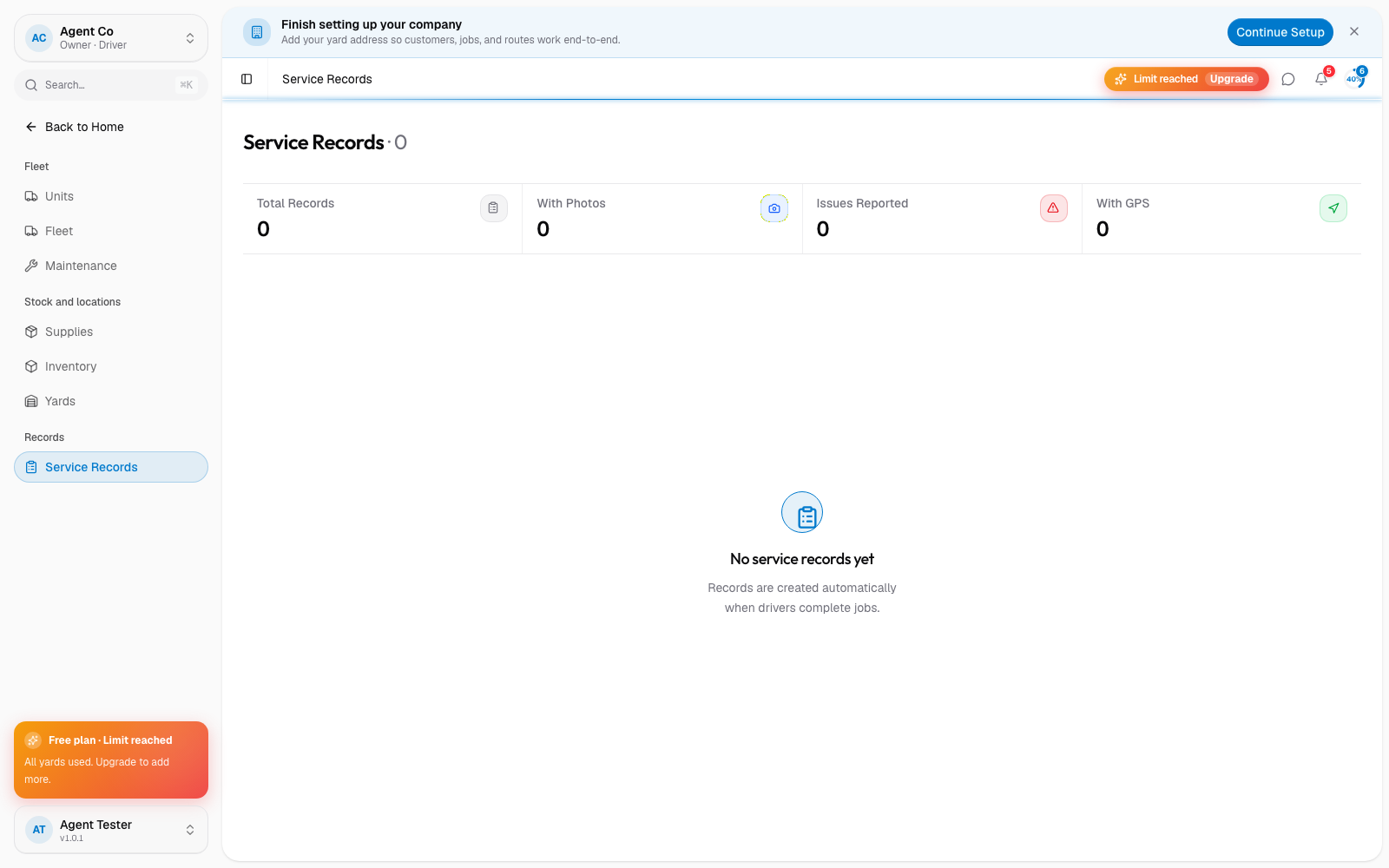
The stat tiles at the top show Total Records, With Photos, Issues Reported, and With GPS. Each row shows whether an issue was reported (highlighted rows had one), the driver, and a checkmark or warning icon. Records capture when the stop was completed, the location, the waste level (low, medium, high, or overflow), any photos taken, and whether the driver reported an issue.
If no stops have been completed yet, the list tells you records are created automatically once drivers complete jobs in the field.
Service records are separate from maintenance work orders. A service record is proof of a normal cleaning stop. A work order is for repairs, inspections, or preventive maintenance on a unit. See Unit statuses.
If something's not right
- A record is missing: check that the driver's stop actually completed and synced. Completing a stop needs a connection.
- Wrong waste level on a record: this comes from what the driver selected while completing the stop. Ask them to double-check next time.
- No photos on a record: photos are optional unless your team's process requires them.