Sites and the map
How units connect to sites, and where to see them on a map.
A site is a place your drivers visit, like a customer's job location. Units get deployed to sites, and the Units list shows a collapsible map panel so you can see where everything is.
Go to Units in the sidebar.
Open the map panel to see deployed units plotted at their sites.
Open a unit and check its Current site section for its exact location and history.
What you'll see
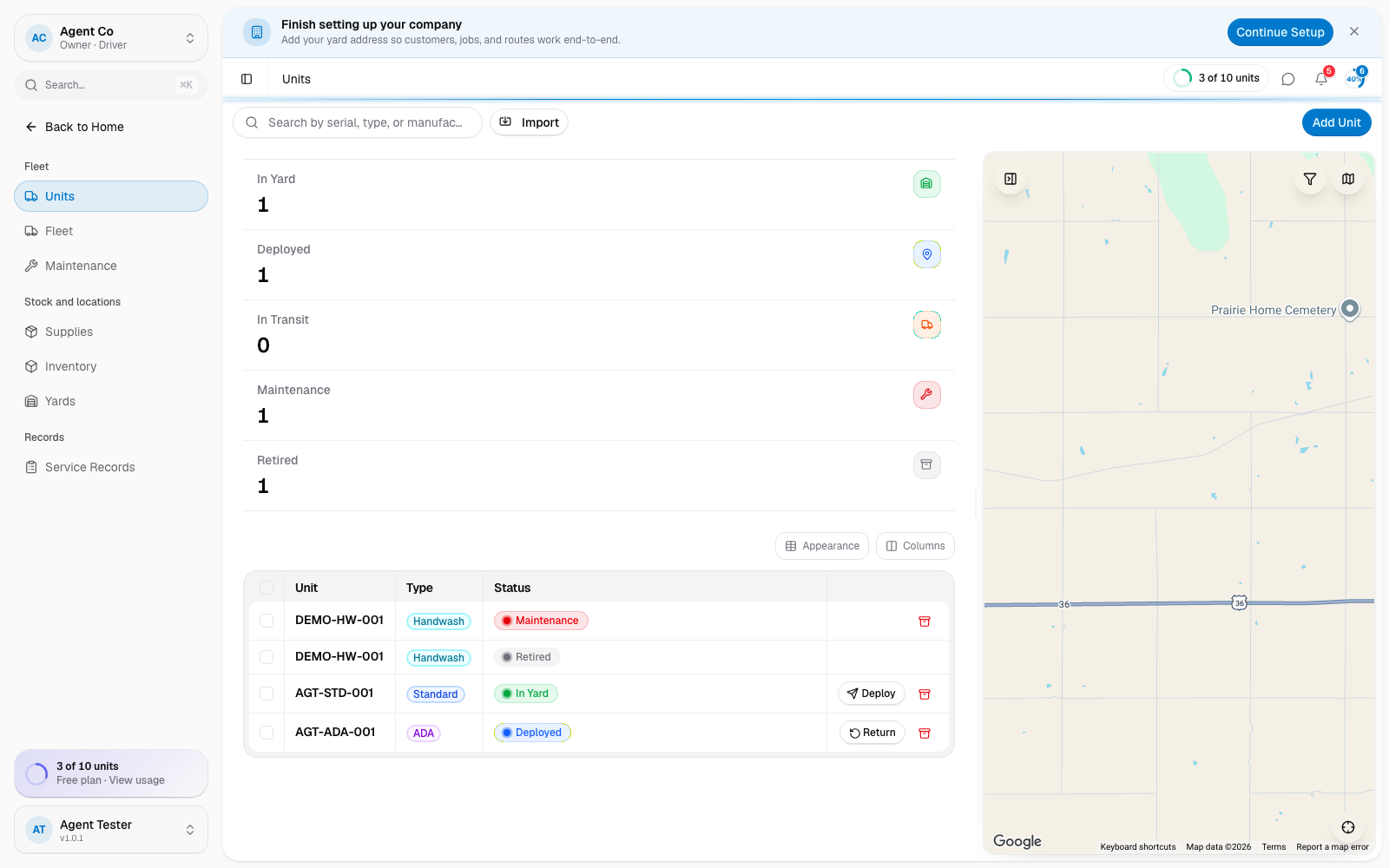
The Units list shows each unit's site in its own column, so you can scan the list without opening the map. Sites themselves, adding one, setting access notes, and the full sites map, are covered on their own page.
If something's not right
- A deployed unit doesn't show on the map: its site may be missing coordinates. Open the site and check its address.
- Can't find the site to deploy to: you may need to add it first.