Sites
Add and manage the places your drivers visit to service a customer.
A site is a stop your drivers visit, like a job location or a customer's address. Every site belongs to one customer, and a customer can have several sites.
Go to Job Sites in the sidebar (under Locations), then select Add Site. You can also start from a customer's page and select Add site in its Sites section.
Pick the Customer this site belongs to. This is required.
Add the Site name. This is required.
Add the Address. DropHaul geocodes it and plots it on the dispatch map.
Optionally add Access notes (gate codes, parking instructions), a Site number (a short dispatch ID your drivers can type to jump to this site, must be unique per company), and permit details if this site needs one.
Select Create Site.
What you'll see
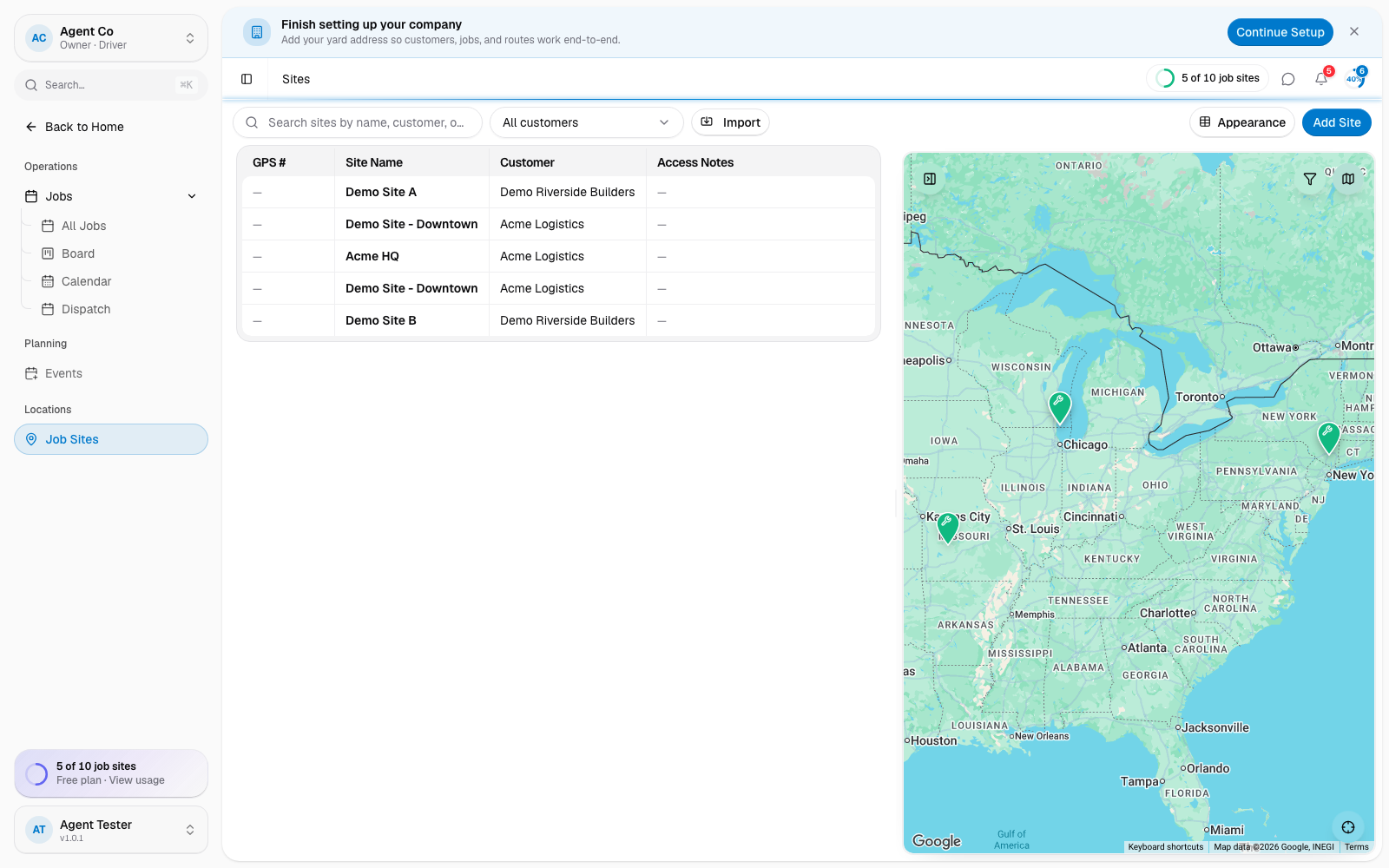
The Sites list shows each site's GPS #, name, customer, address, access notes, and coordinates, with a live map next to the list. Search by name, customer, or address, or filter by customer. On mobile, open Sites Map instead of the side-by-side view.
If something's not right
- Create Site is disabled: Customer, Site name, or Address is missing.
- Site number rejected: another site already uses that number. Site numbers must be unique per company.
- Site missing from the map: the address may not have geocoded correctly. Open the site and re-enter the address.