Add a customer
Bring a new customer into DropHaul so you can dispatch, message, and bill them.
Go to Customers in the sidebar, then select Add Customer.
Pick the customer type: Commercial or Residential.
Add the Company name (Commercial) or Full name (Residential). This is required.
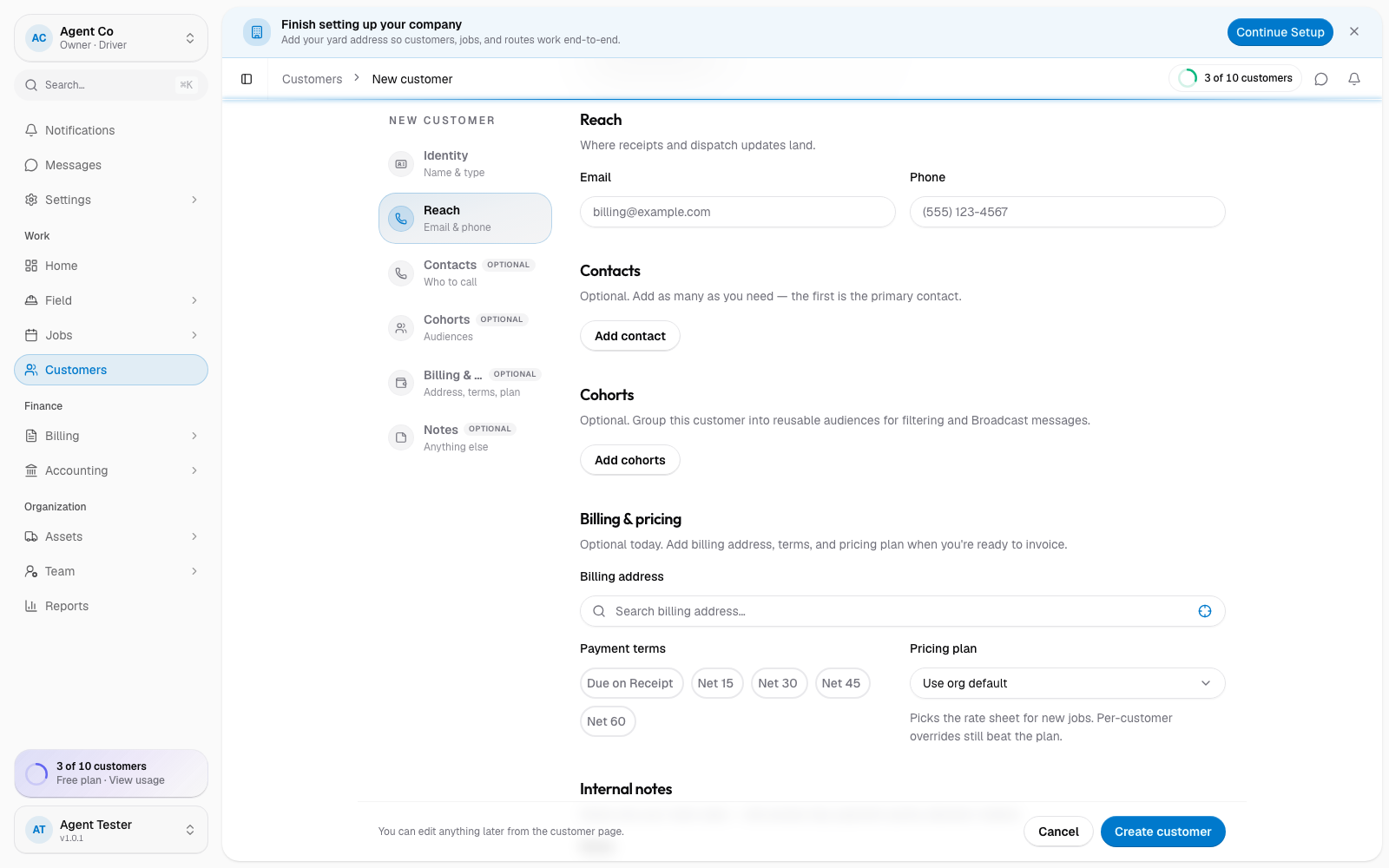
Add an Email and Phone so you can reach them.
Optionally add a Billing address, pick Payment terms (Due on Receipt, Net 15, Net 30, Net 45, or Net 60), and pick a Pricing plan.
Select Create customer.
What you'll see
DropHaul opens the new customer's page, where you can add sites and contacts right away. If you have a list of customers already, use Import from the Customers list instead of adding them one at a time.
For a commercial customer, add a Primary contact name by editing the customer after it's created. The create form doesn't include this field.
If something's not right
- Create customer is disabled: the required name field is empty.
- Can't find the right pricing plan: pricing plans are set up under Settings. Ask an owner or admin to add one first.
- Wrong customer type after saving: open the customer and edit it; type can be changed later.