Add a contact
Add a person at a customer so your team knows who to call.
Open the customer you want to add a contact to.
In the People section, select Add contact.
Add the contact's Name. This is required.
Optionally add a Title / role (for example "Site Foreman"), Email, and Phone.
Select Add Contact.
What you'll see
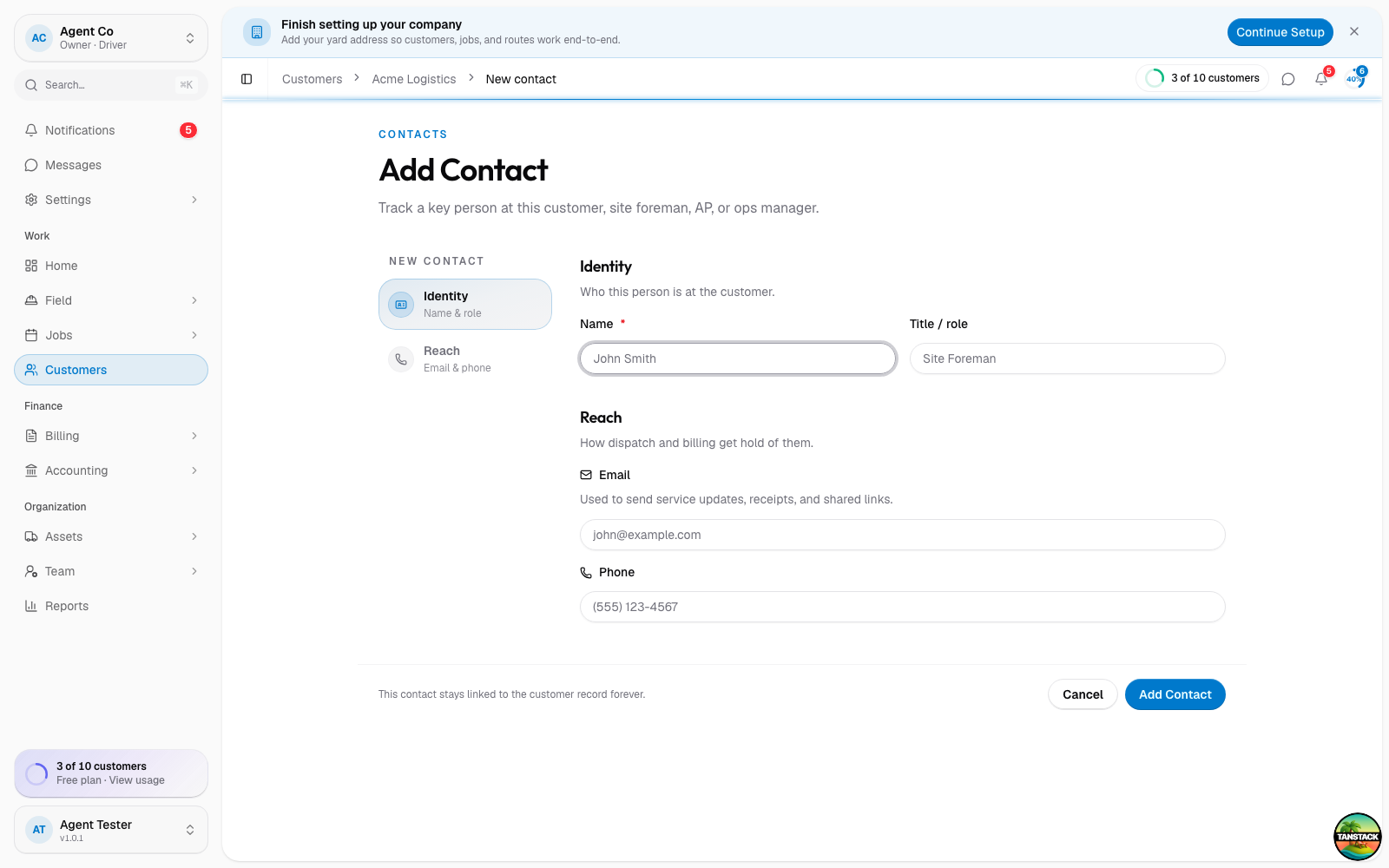
The new contact appears in the customer's People section. If the customer has several sites, a contact can be limited to specific sites, otherwise they apply to all of the customer's sites.
Limiting a contact to specific sites is only available in the iOS app. On the web, site-scoping shows as read-only.
If something's not right
- Add Contact is disabled: the name field is empty.
- Contact not showing up when messaging: check that the contact has a phone or email; DropHaul needs at least one to reach them.
- Wrong contact marked primary: primary is set automatically. It's the first contact you add for a customer, or whichever contact a CSV import marks as primary. You can't set it by hand.