Retire a unit
Take a unit out of service permanently.
Retiring a unit is for equipment that's leaving your fleet for good, sold, scrapped, or no longer usable. It's different from sending a unit to maintenance, which is temporary.
Retiring a unit can't be undone from the unit's page. Only retire a unit you're sure you're done with.
Open the unit you want to retire.
Select the overflow menu, then Retire unit.
Confirm the retirement.
What you'll see
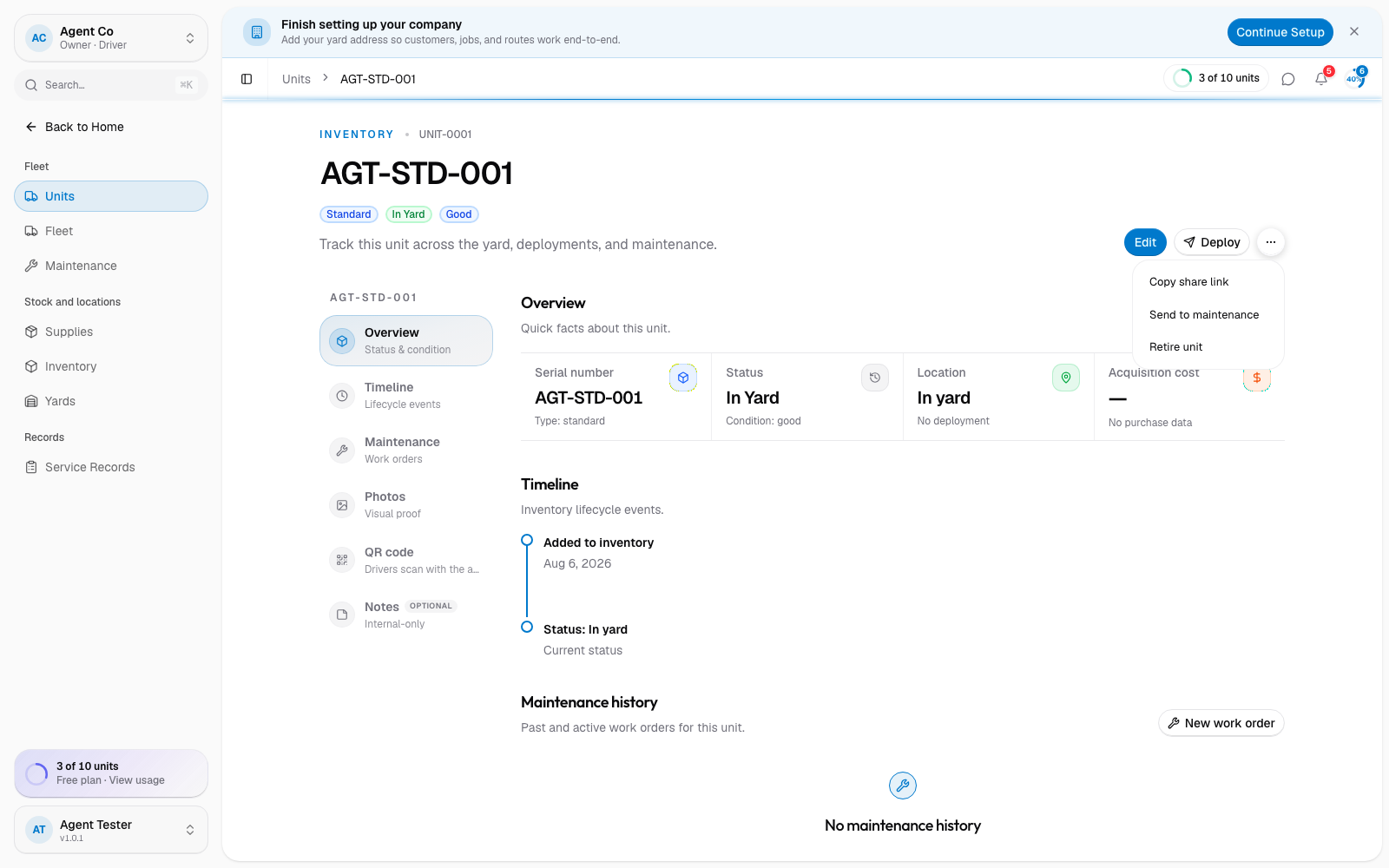
The unit's status changes to Retired. It stays in DropHaul with its full history, but drops out of the active counts on the Units list, and can no longer be deployed to a site. You can still open it from the Units list by filtering to the Retired stat tile.
If something's not right
- Retire unit is missing from the menu: the unit may already be retired, or you may not have permission. Check with an owner or admin.
- Retired a unit by mistake: open the unit and change its Status back from its Edit page.