Create a quote
Put together pricing for a customer before you do the work.
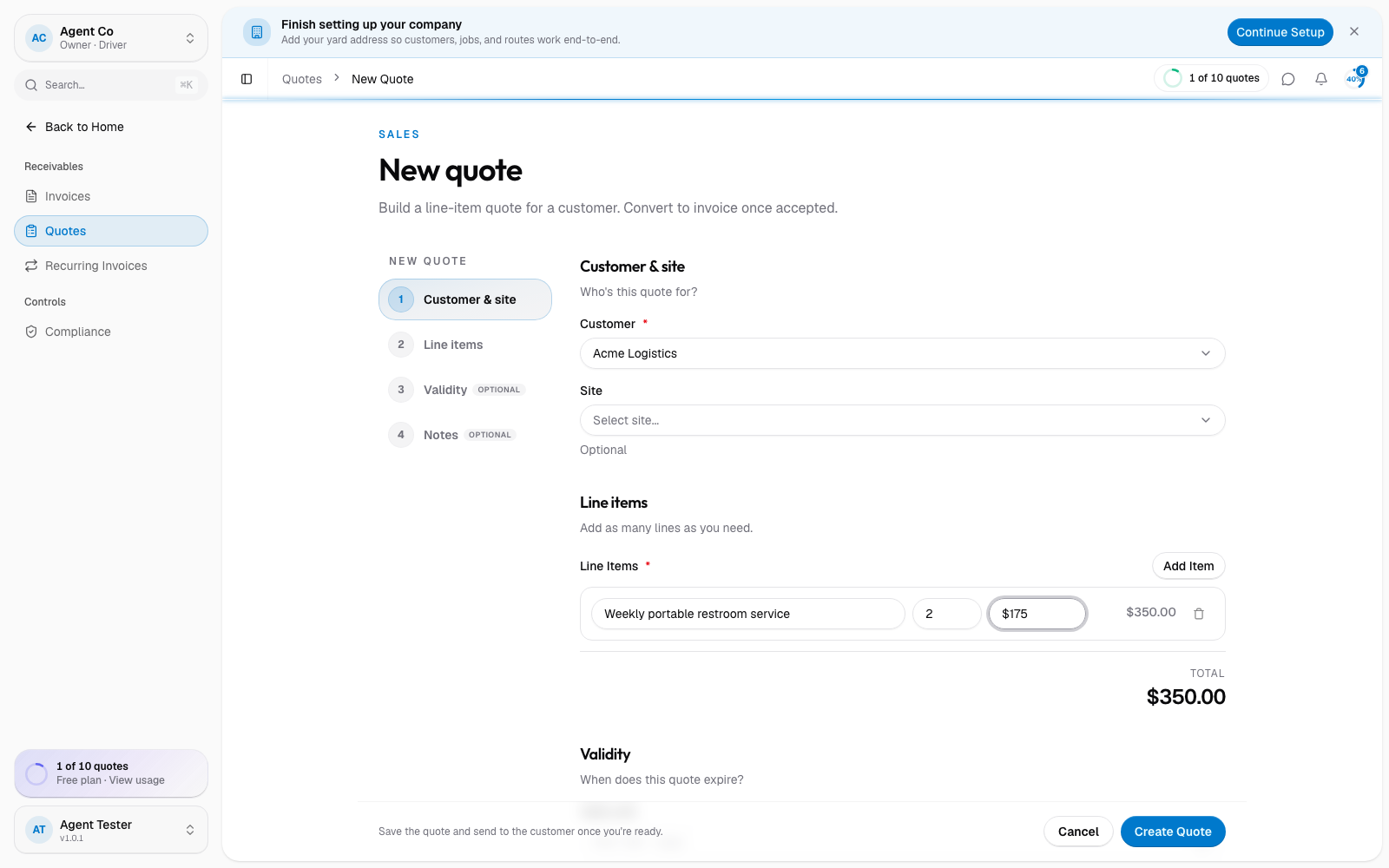
Go to Quotes in the sidebar, then select New Quote.
Pick the Customer and Site.
Add line items: a description, quantity, and unit price for each. DropHaul totals them for you as you go.
Optionally set Valid until so the customer knows when the pricing expires, and add any Notes.
Select Create Quote.
What you'll see
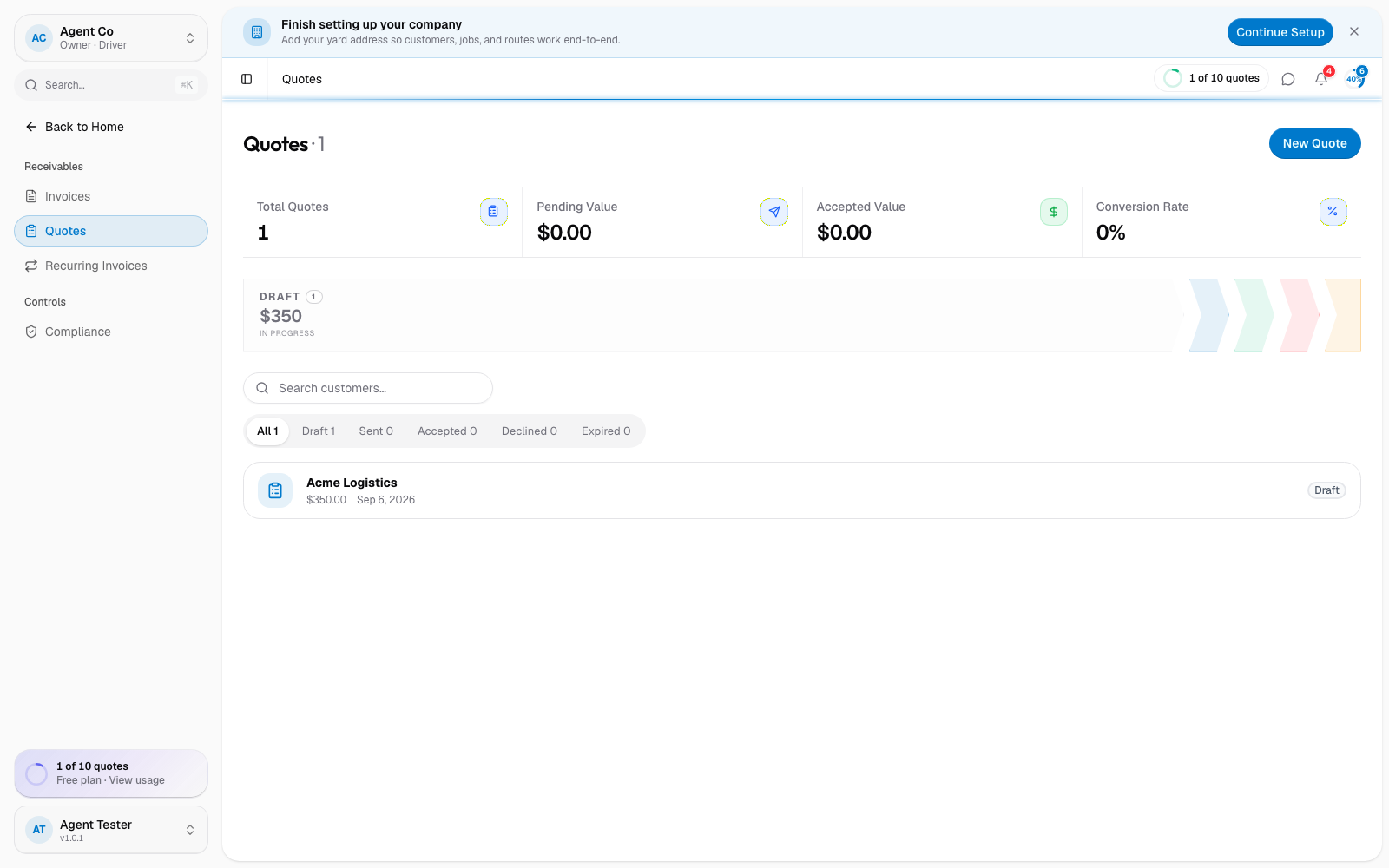
The quote opens as a draft, editable until you send it. Nothing goes to the customer until you take the next step.
If your setup uses OSHA or PSAI unit-count guidance, DropHaul can suggest how many units a job needs based on attendee count and duration, and save that calculation with the quote. This is only available in the iOS app. The web quote form doesn't set this calculation.
If something's not right
- Create Quote is disabled: check that Customer and at least one line item are filled in.
- Wrong total: check each line item's quantity and unit price; the total recalculates automatically as you edit them.