Read your QuickBooks financial reports
See Profit & Loss, Balance Sheet, AR/AP aging, and Cash Flow pulled from QuickBooks.
Before you start
You need QuickBooks connected under Settings → Integrations, and to be an owner or admin to view these reports.
This page isn't linked from the Reports index yet. Go directly to
/reports/financial to open it.
Open Financial Reports at /reports/financial.
Pick a period: This month, Last 30 days, This quarter, This year, or Last year.
Select Refresh if you've just made changes in QuickBooks and want the latest numbers.
What you'll see
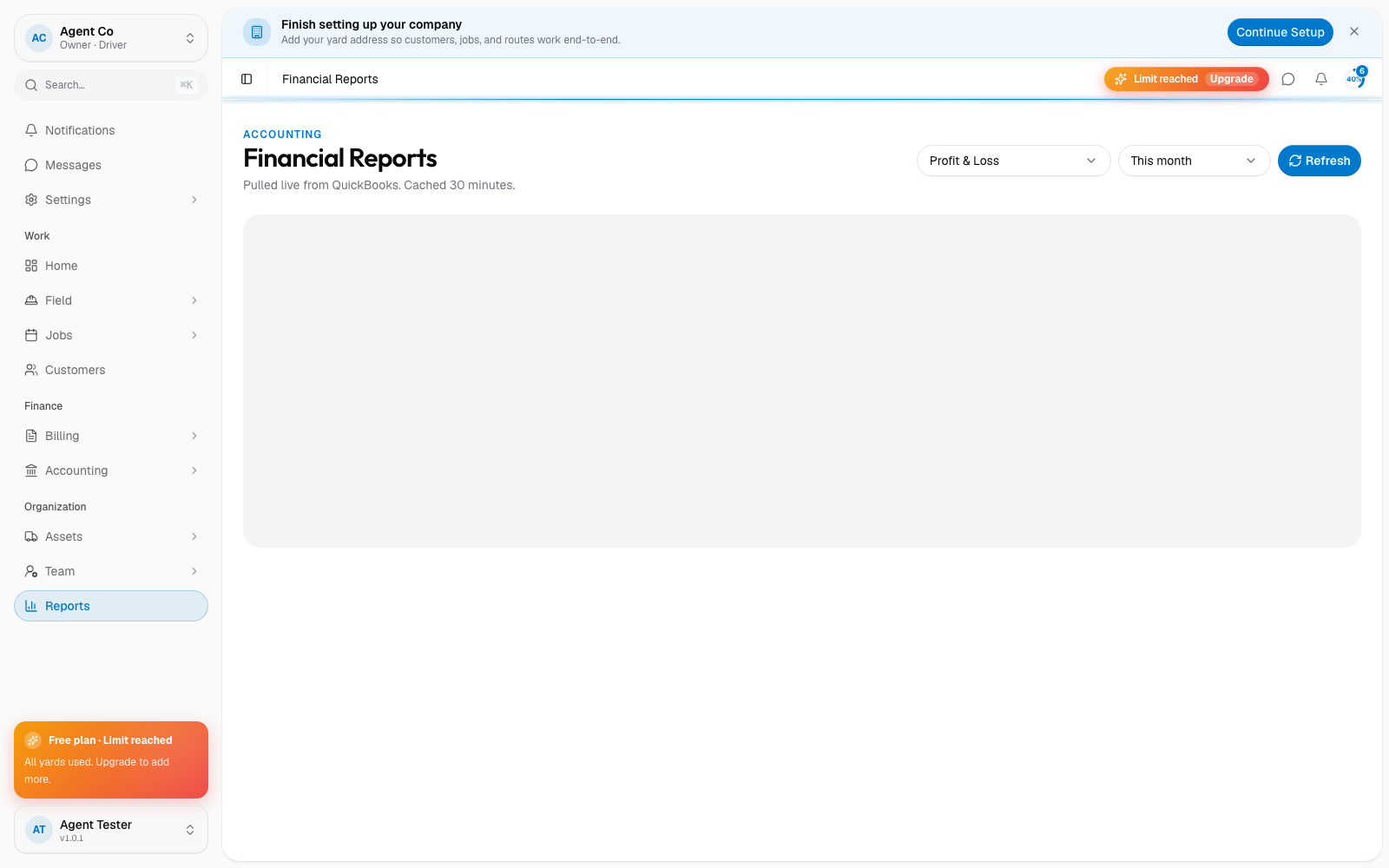
This page shows five reports sourced directly from QuickBooks: Profit & Loss, Balance Sheet, AR Aging, AP Aging, and Cash Flow. These reflect your actual QuickBooks data, not DropHaul's own job or invoice records.
If something's not right
- Numbers don't match QuickBooks: select Refresh to pull the latest data, QuickBooks reports don't update live.
- Page is empty: QuickBooks isn't connected yet. Set it up under Settings → Integrations.