See job profitability
Compare revenue and costs for each job you've run.
Job Profitability isn't listed on the Reports page yet. Go directly to
/reports/profitability to open it.
Open Job Profitability at /reports/profitability.
Scan the table for jobs with thin or negative profit.
What you'll see
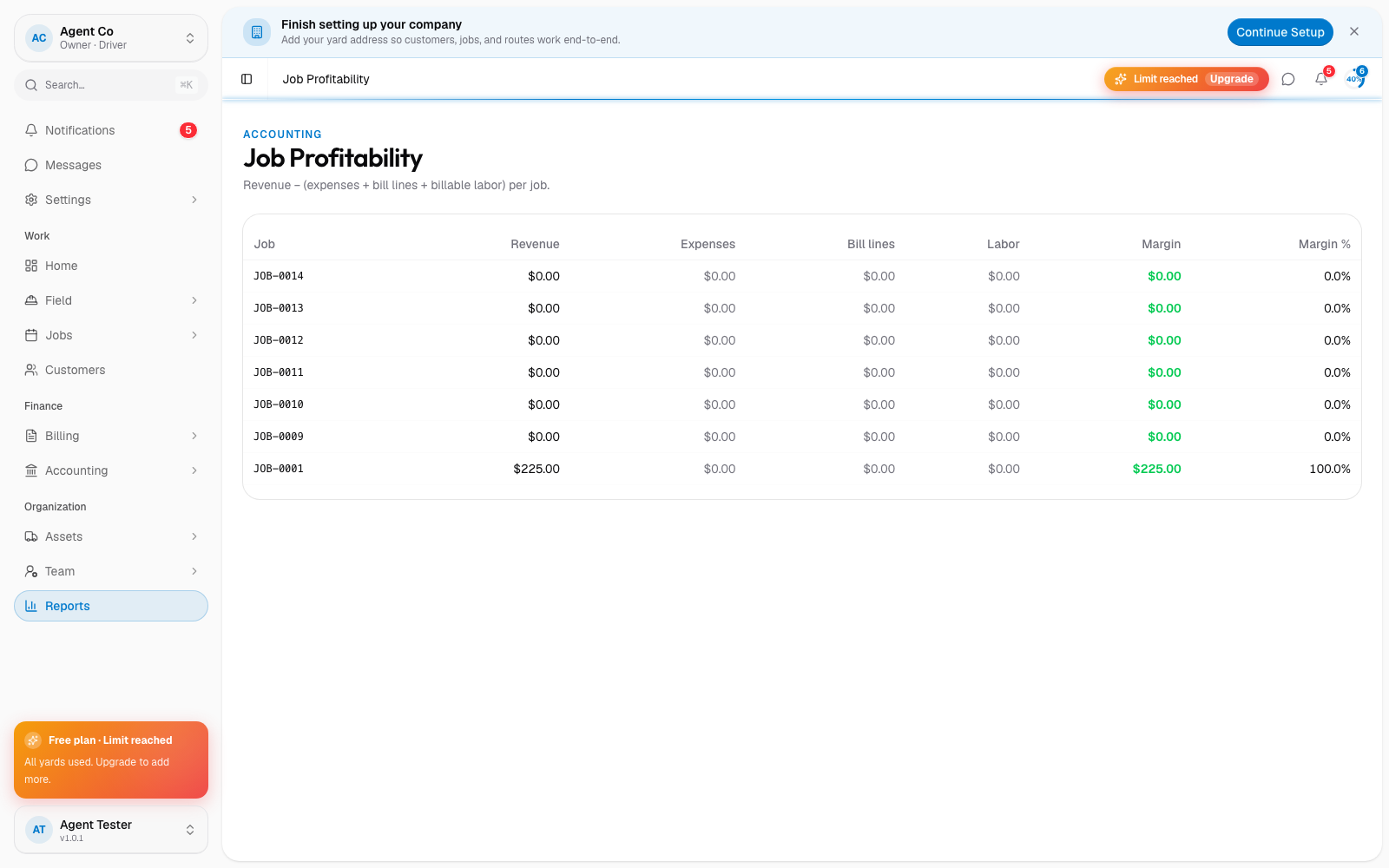
Job Profitability calculates each job's profit as revenue minus expenses, bill lines, and billable labor. The table lists Job, Revenue, Expenses, Bill lines, Labor, Margin, and Margin % so you can see where a job's cost came from.
Use this alongside Run a report to compare profitability against fleet and route efficiency reports for the same jobs.
If something's not right
- A job's profit looks wrong: check that its expenses and labor were logged. Missing entries understate cost and overstate profit.
- I don't see this report: it's under owner and admin access only. See Roles and permissions.