Run a report
Browse the report catalog and read a report for the period you need.
Before you start
Reports are for owners and admins only.
Go to Reports in the sidebar.
Pick a period tab: Week, Month, Last Mo., Quarter, or YTD.
Find the report you want in the catalog, or check Starred if you've starred it before, and select it to open.
What you'll see
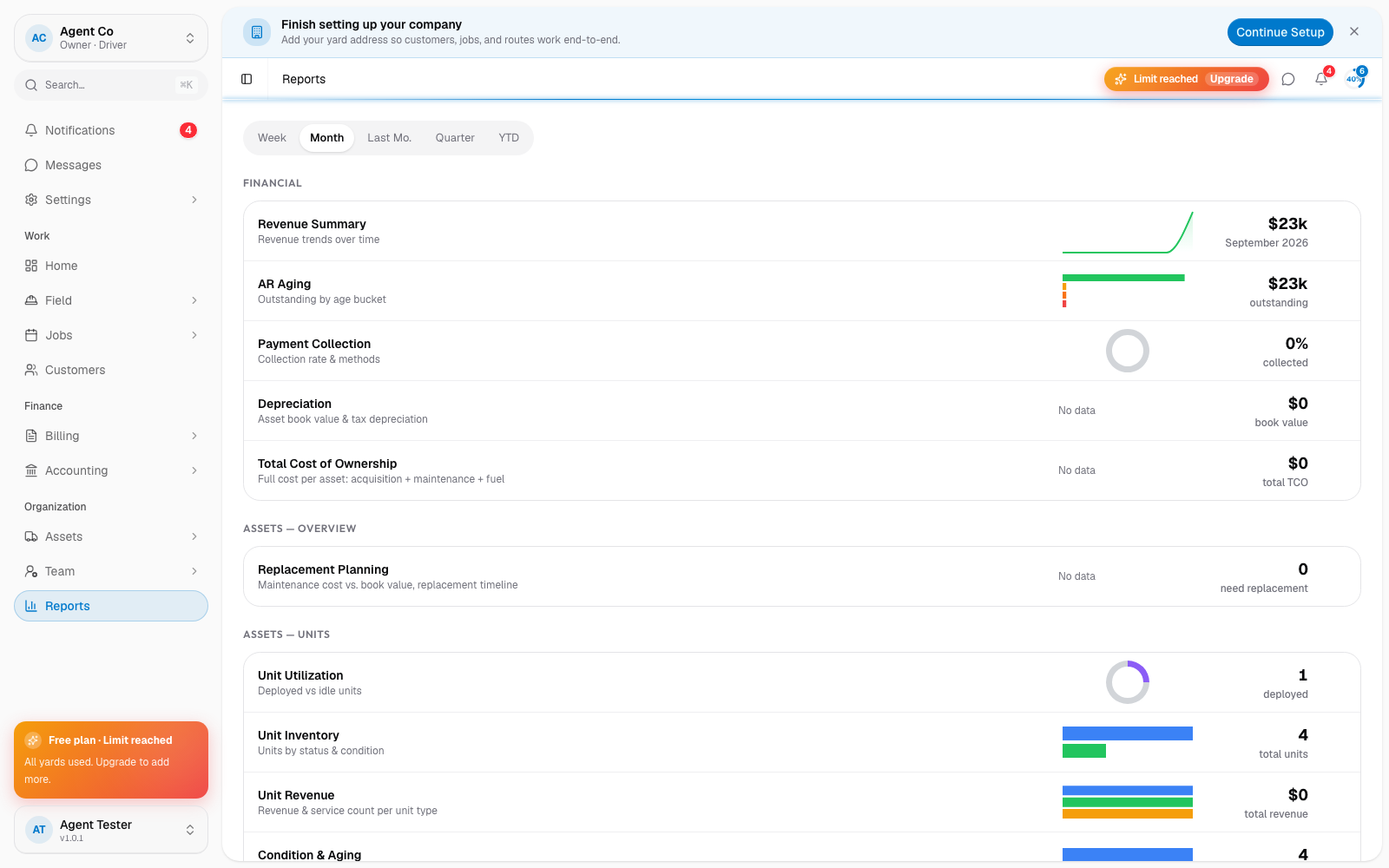
The catalog is grouped by area: Financial (Revenue Summary, AR Aging, Payment Collection, Depreciation, Total Cost of Ownership), Assets: Overview, Assets: Units, Assets: Vehicles, Maintenance, Supply & Inventory, Operations, and People & Customers.
A report's detail page shows a chart, a stat strip, and a full table for the period you picked. You can star a report from here to pin it to the top of the catalog for next time.
If something's not right
- I don't see Reports in the sidebar: reports are owner and admin only. Ask an owner to check your role under Roles and permissions.