Dispatch
Schedule and calendar views
See job load by day, week, month, or agenda.
Go to Jobs in the sidebar, then select the Calendar tab.
Switch between Day, Week, Month, and Agenda to change how much time you're looking at.
What you'll see
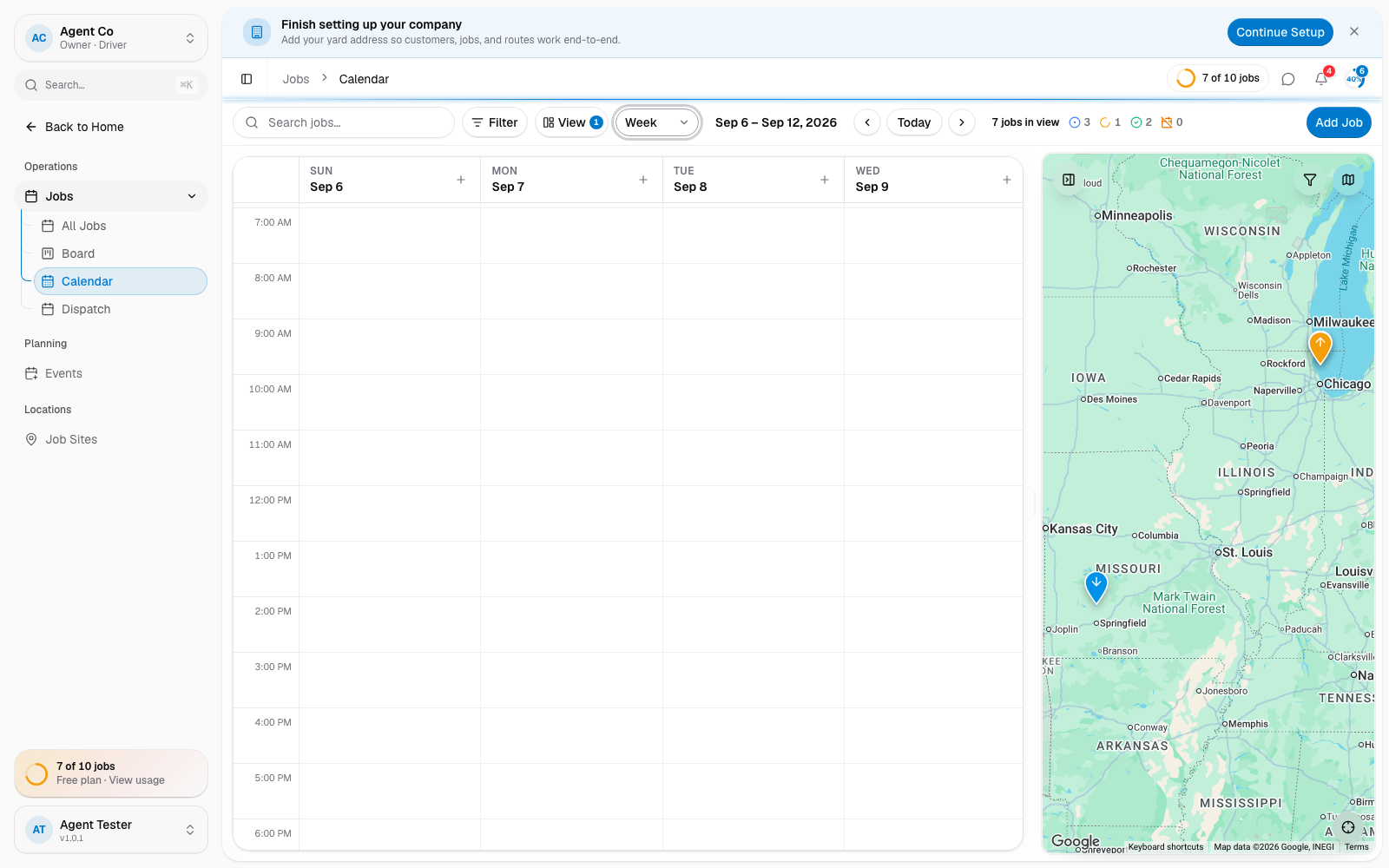
Day and week views lay jobs out on a time grid, so you can see gaps and overlaps in a driver's day. Month view shows a full calendar grid, useful for spotting busy days at a glance. Agenda view lists jobs in order over the next 30 days. Jobs without a scheduled date don't appear here. Assign them a date first, or find them in the Needs Attention panel on the dispatch board.
If something's not right
- A job doesn't show up: it's missing a scheduled date. Open the job and set one.