Dispatch
Reassign a job
Move an already-assigned job to a different driver.
Reassigning uses the same drag or dialog as the first assignment. There's no separate "reassign" button.
On the dispatch board's Dispatch view, drag the job onto the new driver's row.
DropHaul assigns the job to the new driver as soon as you drop it. There's no confirmation dialog on this view.
What you'll see
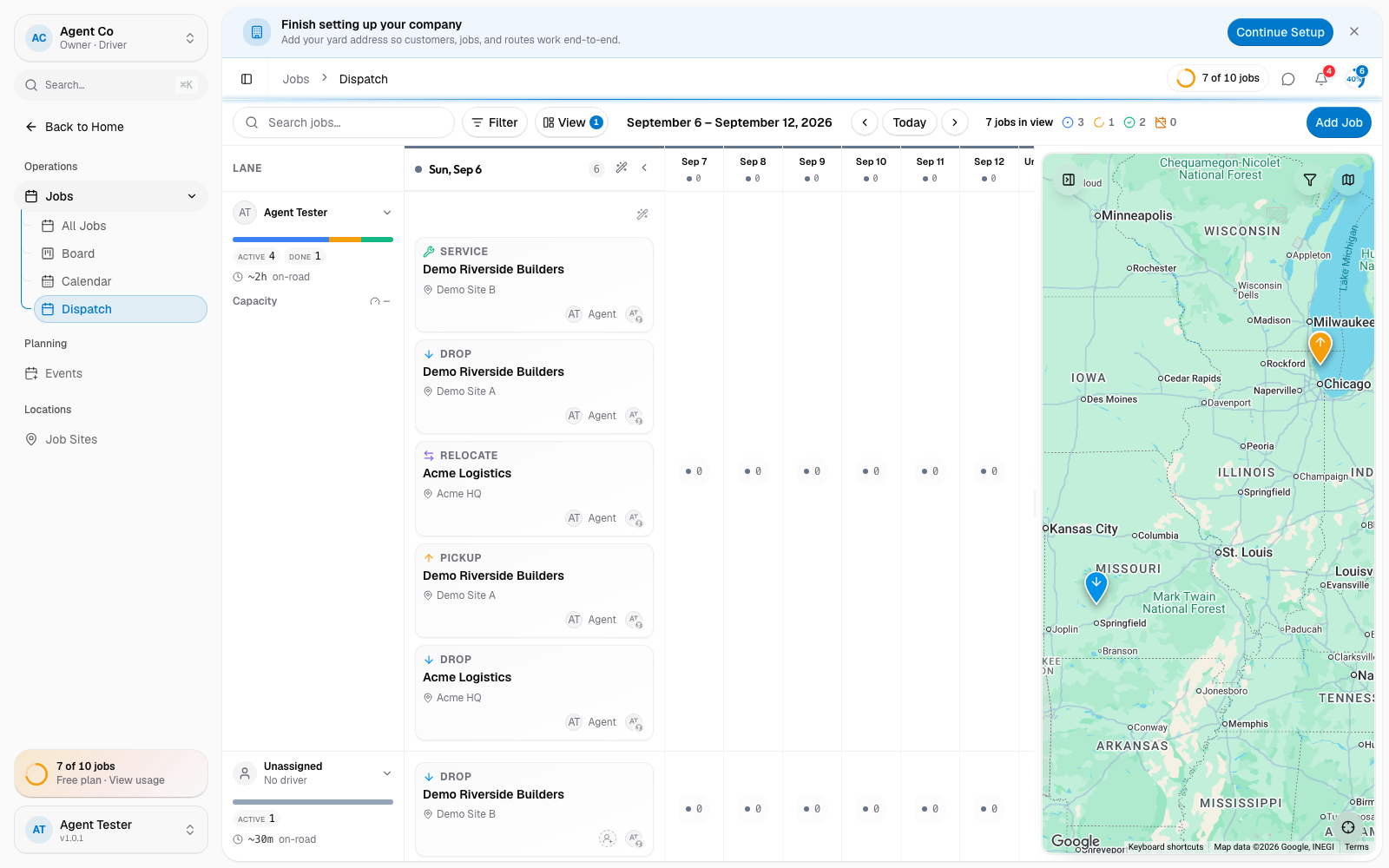
The job now shows the new driver's name.
Reassigning a job notifies both drivers: the new driver gets an assignment notification, and the previous driver gets an unassignment notification. Assigning a job to yourself doesn't notify you, but the previous driver is still told they were removed.
If something's not right
- The old driver still sees the job on their phone: this can lag a moment behind the reassignment. If it persists, refresh the app.