Dispatch
Multi-yard
Run more than one yard from the same DropHaul company.
A yard is a location your units and trucks are based out of. Companies that operate from more than one lot can add each as its own yard.
Go to Yards under Assets in the sidebar.
Select Add Yard.
Enter a Name (for example "Main Yard") and an Address.
What you'll see
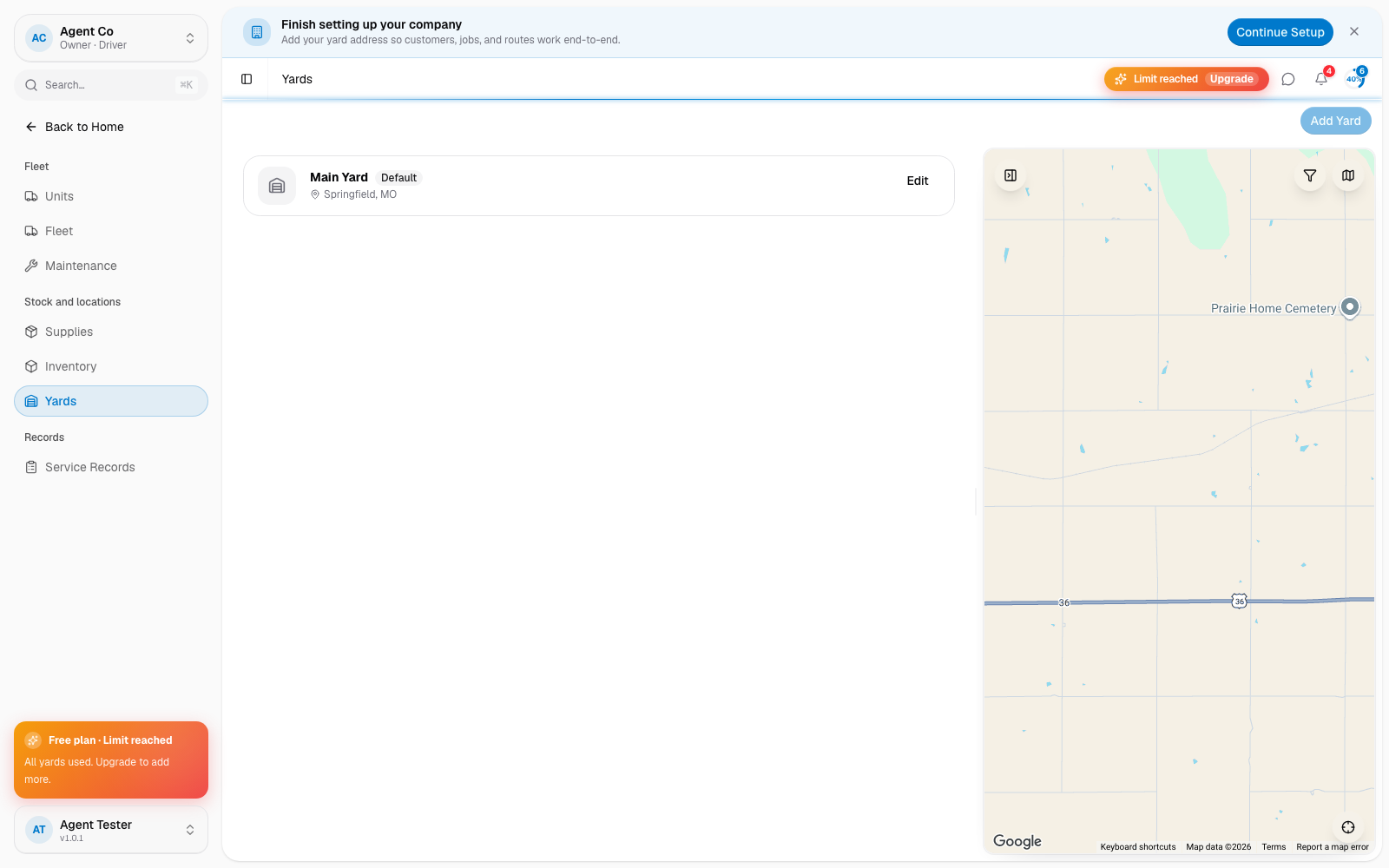
Each yard tracks its own inventory. A yard isn't something you pick per job: assign a unit or a truck to a yard instead, and route planning starts each truck's day from its home yard. If you haven't added a yard yet, the page shows No yards yet until you do.
If something's not right
- Add Yard is disabled: your plan may cap the number of yards. Check Settings → Billing.