Jobs
Job history
See what's happened on a job and what the driver recorded.
Open the job.
Check the Timeline section for lifecycle events: created, assigned, started, and completed, among others.
Check Service Records for what the driver logged while completing the job.
What you'll see
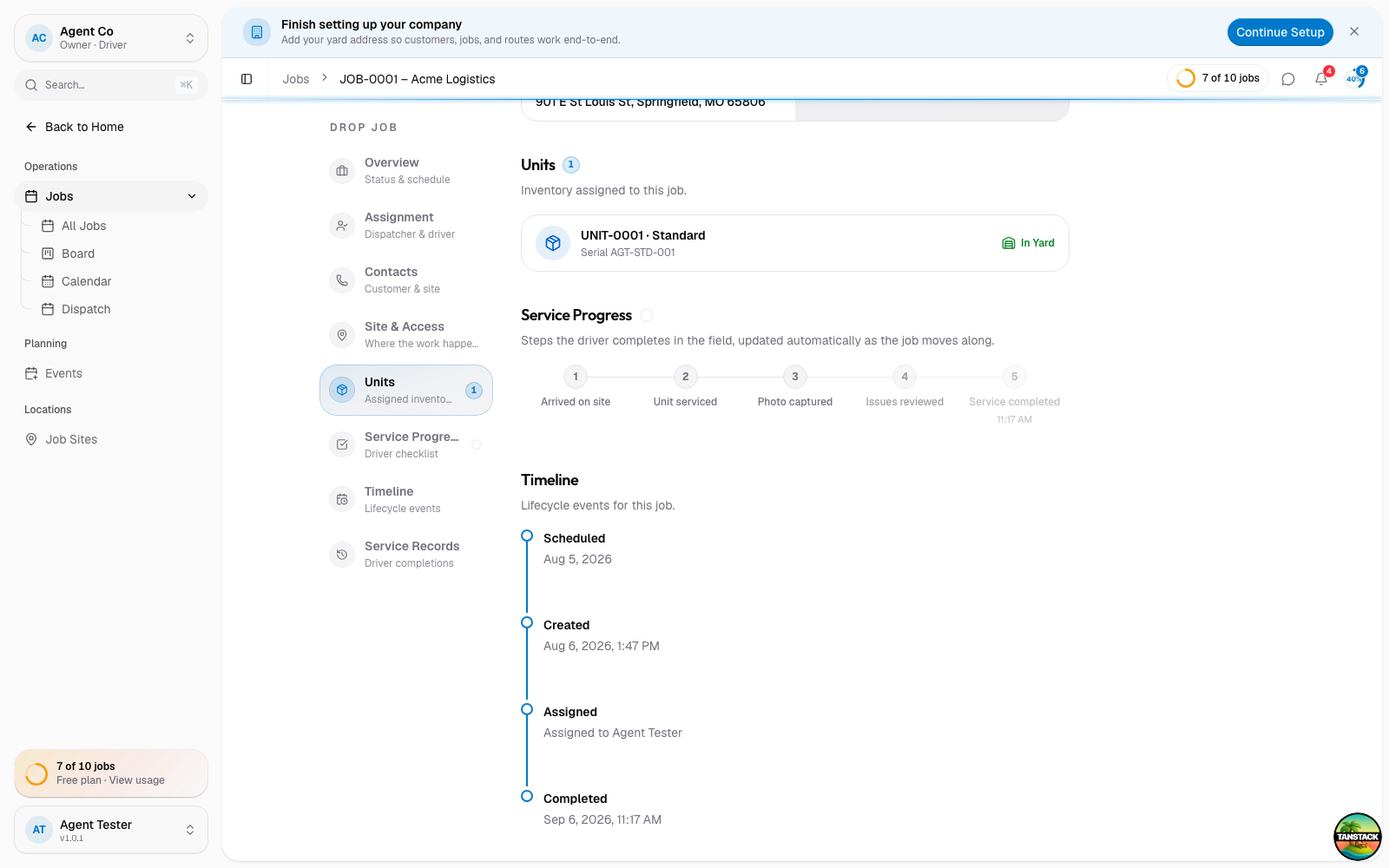
Timeline is a running log of status changes on the job. Service Records captures the driver's completion details, separate from the timeline.
If something's not right
- No service records yet: the driver hasn't completed the job in the mobile app. Records appear once they log a completion there.
- An issue is reported but you can't find details: check the Timeline section. A reported issue shows there alongside the job's lifecycle events.