Jobs
Display IDs
How DropHaul numbers your jobs, and how to change the format.
Every job gets a human-readable display ID the moment it's created, like
JOB-0001. This is what you and your customers see and reference, not the
internal record ID.
Changing the format
The ID format (prefix, number of digits, whether it resets yearly) is set during company setup, in the ID formats step. You can also change it later at Settings > ID formats.
Changing the format only affects new jobs. Existing display IDs don't change.
What you'll see
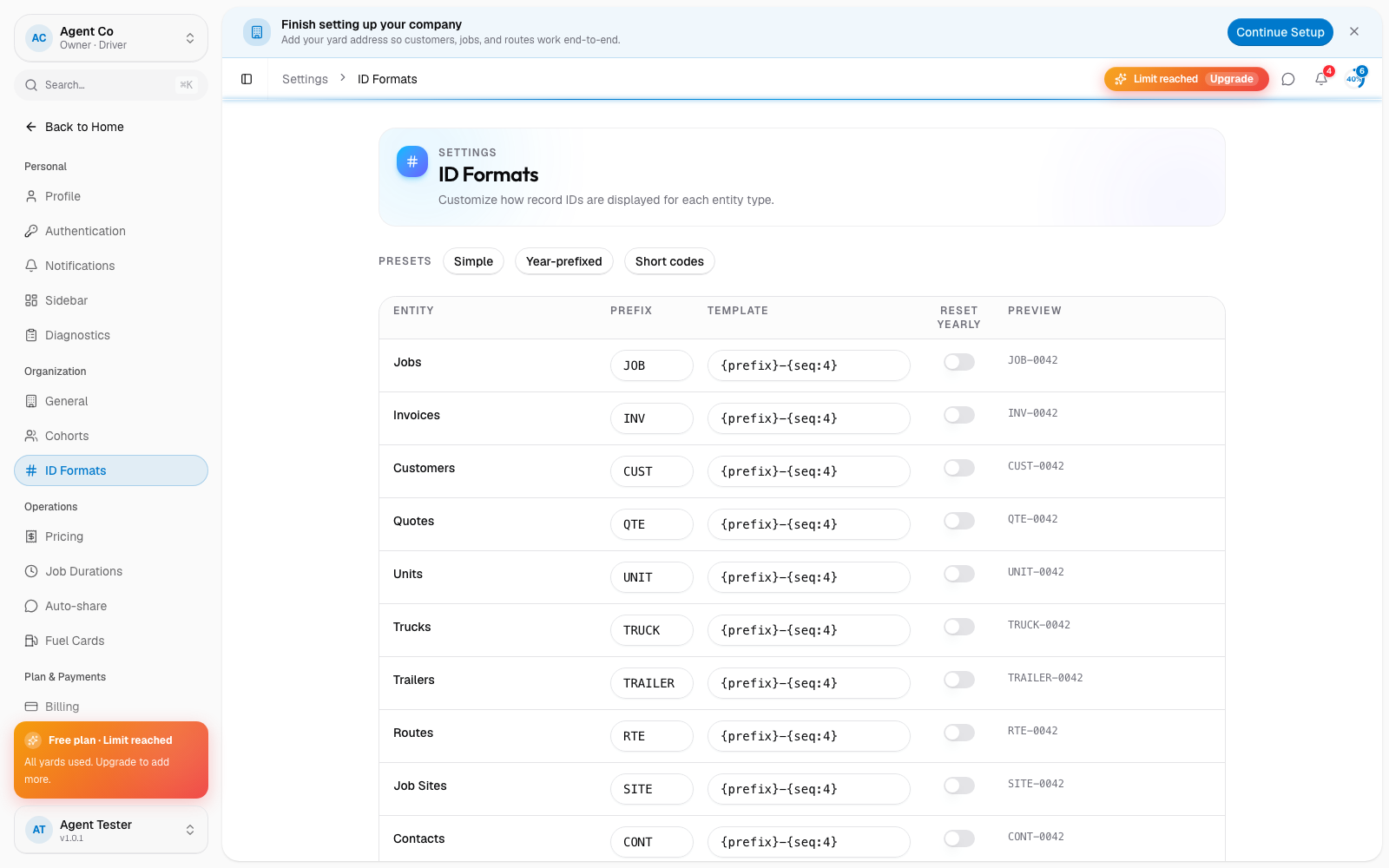
Each job type (jobs, invoices, customers, quotes, units, and more) has its own format, shown as a live preview while you edit it on the ID formats page. A saved change applies to the next record created. Jobs created before the change keep their original display ID.
If something's not right
- IDs look inconsistent between jobs: the format was likely changed partway through. Older jobs keep the ID they were given.