Routes
Build a route
Group a driver's jobs into a route for the day.
Before you start
You need jobs scheduled for the date you're building a route for. See Create a job.
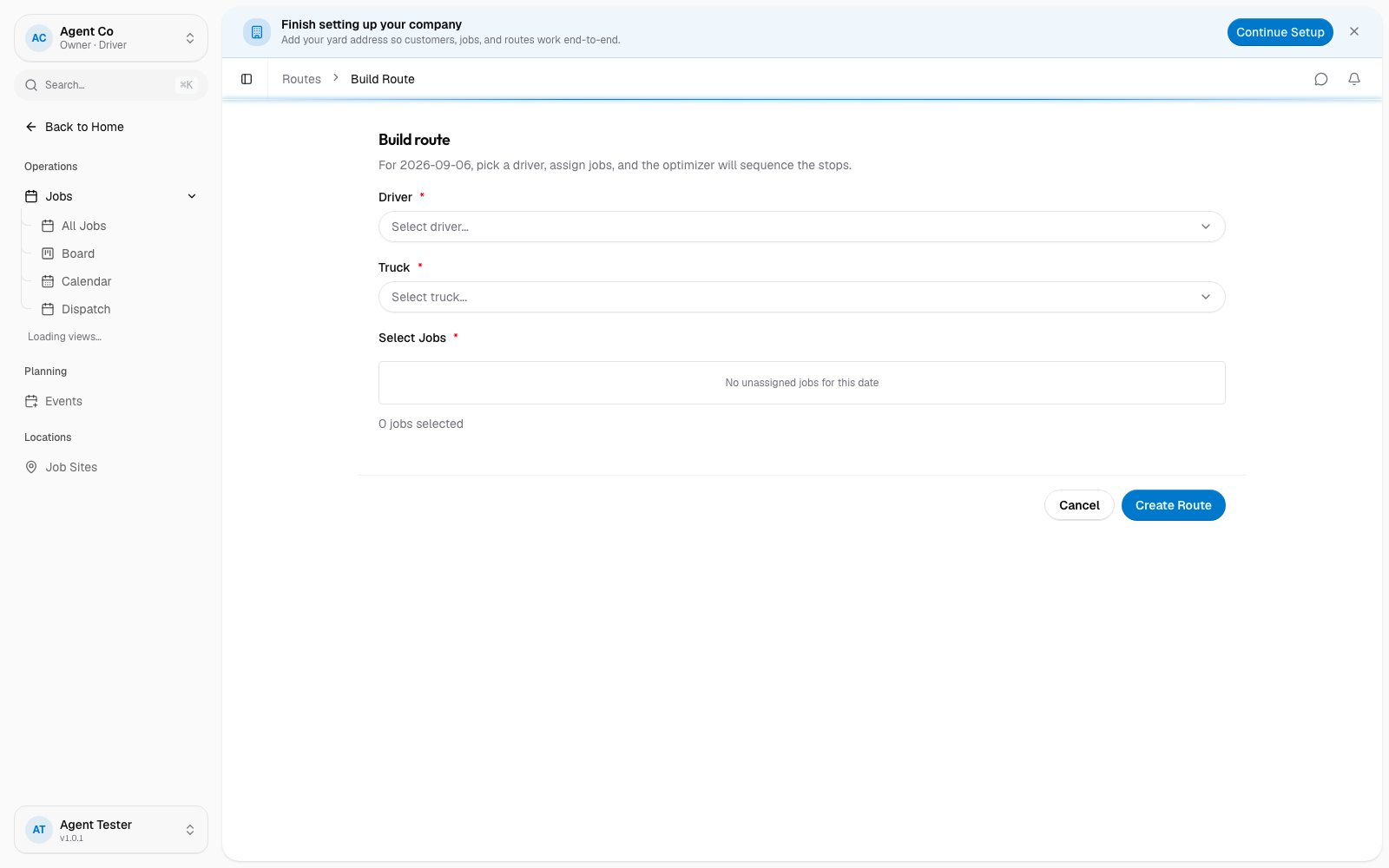
Go to Routes in the sidebar, then select Build Route.
Pick the Driver and the Truck. Both are required.
Under Select Jobs, choose which jobs go on this route.
Select Create Route.
What you'll see
DropHaul creates the route with the jobs in the order you picked them. From here, select Optimize to have DropHaul sequence the stops for you. See Optimize a route.
If a route already exists for that driver and day and has unassigned jobs sitting nearby, you can add jobs to it with Add Jobs from the route list instead of building a new one.
If something's not right
- Create Route is disabled: pick a driver, a truck, and at least one job first. All three are required.
- A job isn't in the list: it may not be scheduled for this date yet.