Set up low stock alerts
Get notified automatically when a supply item drops to its minimum.
Low stock alerts run on their own once a day. Once an item has a Minimum stock set, you don't need to turn anything on.
Open a supply item and set its Minimum stock and Reorder quantity in the Stock section.
DropHaul checks stock levels once a day and notifies owners, admins, dispatchers, and technicians when an item reaches its minimum.
What you'll see
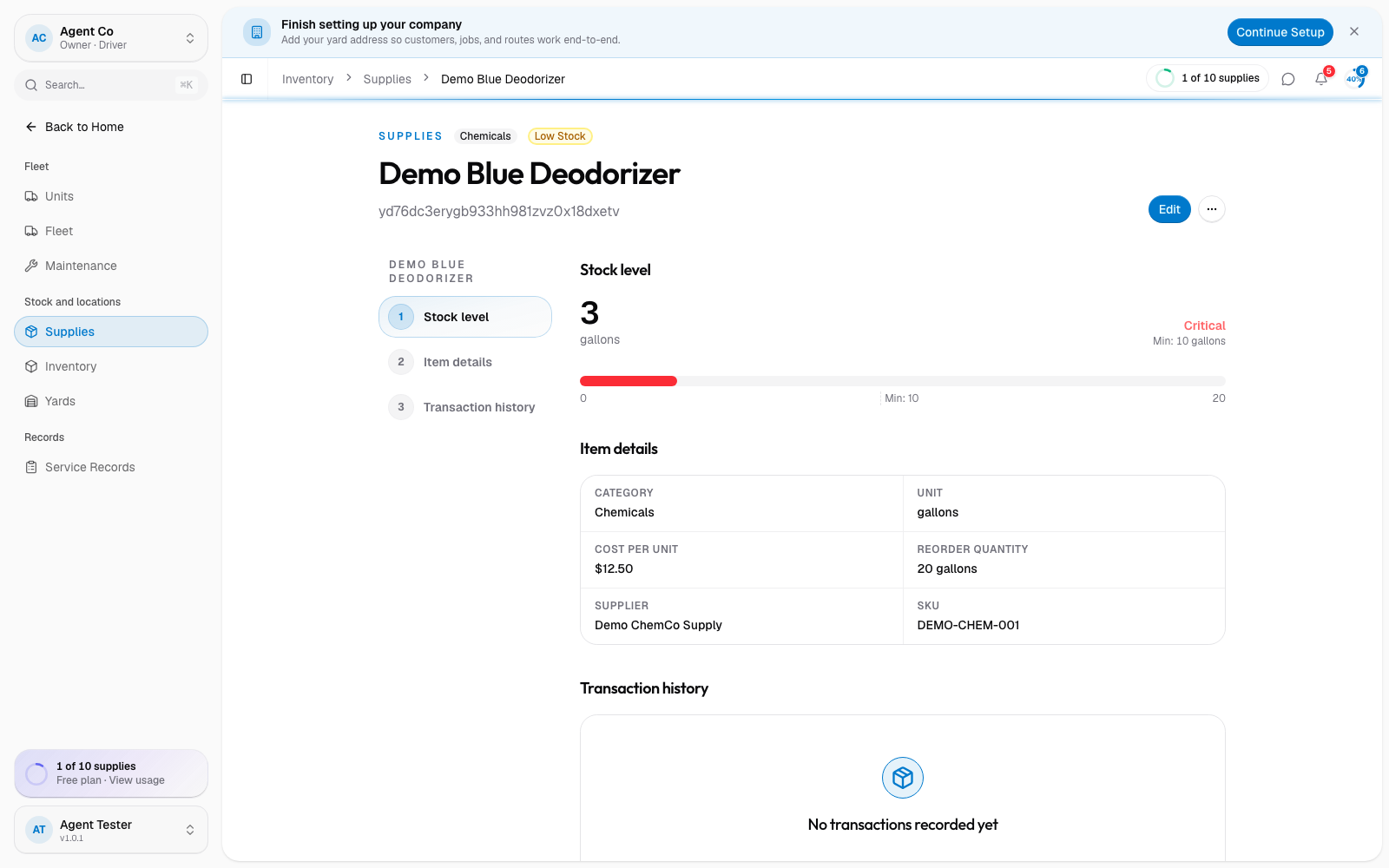
When an item's current stock drops to or below its minimum, DropHaul sends a
notification titled "Low stock: <item name>" with a message like
"<item name> is at <current stock> (minimum <minimum stock>). Time to
reorder." Tapping it opens that item.
Low stock alerts go to owners, admins, dispatchers, and technicians, not every teammate. Check Roles and permissions if you expect an alert and don't see one.
If something's not right
- No alert even though stock is low: check the item has a Minimum stock value set. Without one, DropHaul has nothing to compare against.
- I'm not getting the notification: see Notifications not arriving.